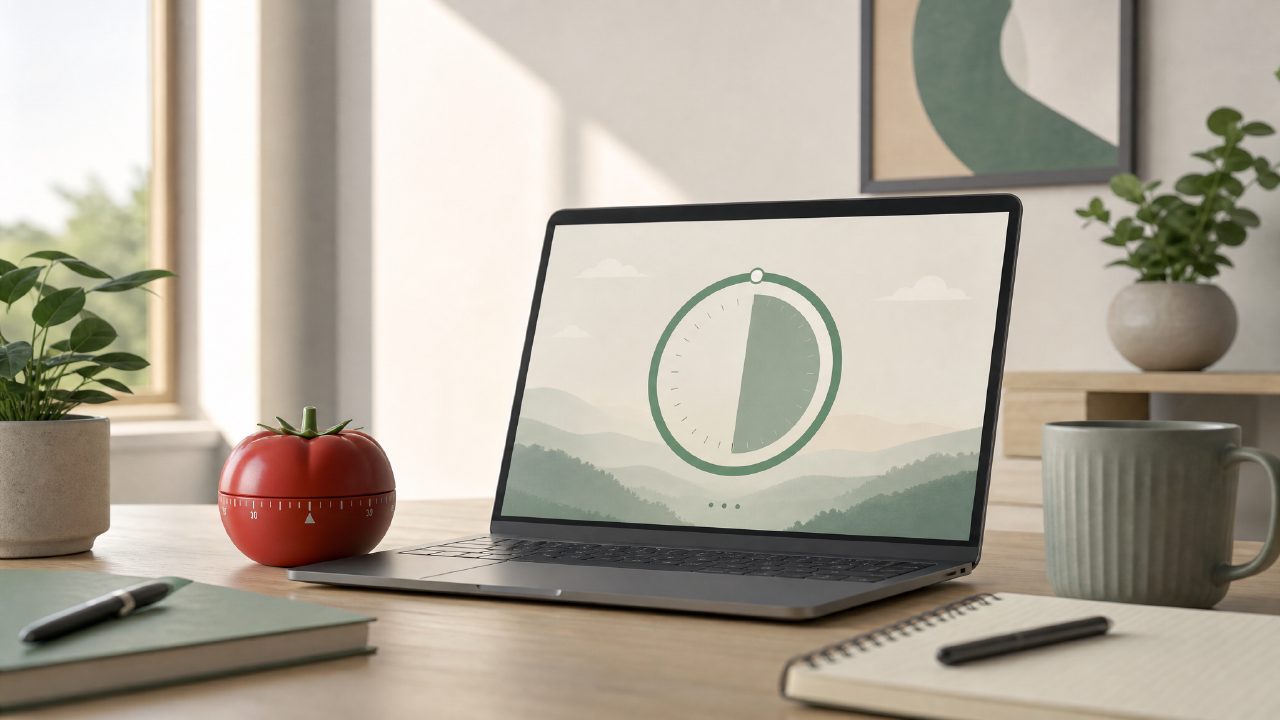
Is Focusly really free to use in 2026?
Short answer: yes, Focusly has a genuinely free tier. I’ve been testing it for a few weeks, and the core pomodoro timer, basic session planning, and distraction blocking are all available without paying a cent. There’s no time limit on the free version, and no pop-ups begging you to upgrade mid-session — which is rare these days.
That said, the free tier does lock some extras behind a subscription: the AI session recommendations, deeper analytics, and custom notification sounds. For most people trying to build a focus routine, the free version is enough. If you want the AI to plan your day, you’ll need to pay.
How does focusly compare to other free pomodoro timers?
I’ve tried a handful of free pomodoro apps over the years — Forest, Pomofocus, Be Focused — and Focusly stands out mostly because of how it treats the timer as part of a bigger planning tool. Instead of just setting 25-minute rounds, you drop sessions into a daily timeline: work, study, emails, whatever. It forces a bit of upfront planning, which I wasn’t used to, but it does help avoid that “what should I do next” pause.
The interface is cleaner than most. No ads, no cluttered settings. The distraction blocker (silences notifications while the timer runs) actually works on both iOS and Android. On the flip side, Pomofocus has a simpler web version if you don’t want to install an app. Focusly wins on integration but loses on sheer simplicity.
Does the AI feature actually help with focus, or is it gimmicky?
This is where I’m a little cautious. The AI session planner tries to estimate how many pomodoros you’ll need based on the task you type in. For example, I wrote “draft quarterly report” and it suggested three 50-minute deep work sessions with 10-minute breaks. That’s a decent starting point, but it’s not magic. It doesn’t know your actual energy levels or deadlines. I found myself overriding the suggestions about half the time.
For someone new to deep work, the AI might be useful as a rough guide. For experienced pomodoro users, it’s more of a nice-to-have than a must-use. The free tier doesn’t include this anyway, so it’s not a concern if you stick to the basic version.
One concrete observation: the AI sometimes suggests unrealistic session lengths. One time it proposed two 90-minute blocks back-to-back for “reading research papers.” I know myself — that would have been a burnout. So you still have to apply your own judgment.
Can I use focusly for study sessions and work?
Yes, and this is where the app feels most natural. You can create different “focus modes” — deep work, study, reading, meetings — each with its own timer length and break interval. I set up a study mode with 40-minute sessions and 5-minute breaks, and a work mode with 50-minute sessions and 10-minute breaks. Switching between them is quick.
The app also tracks your total focused time per mode, which helped me realize I was overestimating how long I actually spent studying. Mild friction: the statistics page is only visible after you complete a session, not in real-time. I wish I could peek at my progress without stopping the timer.
What are the main limitations of the free version?
- No AI session recommendations (you plan manually).
- No custom notification sounds — you’re stuck with the default chime.
- Only one week of history in the stats view. Paid users get full history.
- The distraction blocker works, but you can’t whitelist specific apps unless you upgrade.
None of these are dealbreakers for a free app. I’m actually considering upgrading just for the full history, because I like tracking patterns over months. But if you just need a solid timer and blocker, the free tier covers your bases.
Is focusly worth trying if I already use another timer app?
Depends on what frustrates you about your current app. If you’re happy with a simple 25/5 timer, Focusly’s extra planning might feel like busywork. But if you struggle to actually start focused sessions, or if you keep getting interrupted by phone notifications, Focusly does a better job than most free alternatives at keeping you in the zone.
I switched from the standard Clock timer on my phone, and the difference was noticeable — not because Focusly is revolutionary, but because it removes the friction of manually setting timers and silencing alerts. I’d suggest downloading it, using the free version for a week, and then deciding if the planning approach fits your workflow. No rush, no upsells right away. That kind of low-pressure trial is exactly what a free pomodoro focus app 2026 should offer.
Comments
Leave a Comment