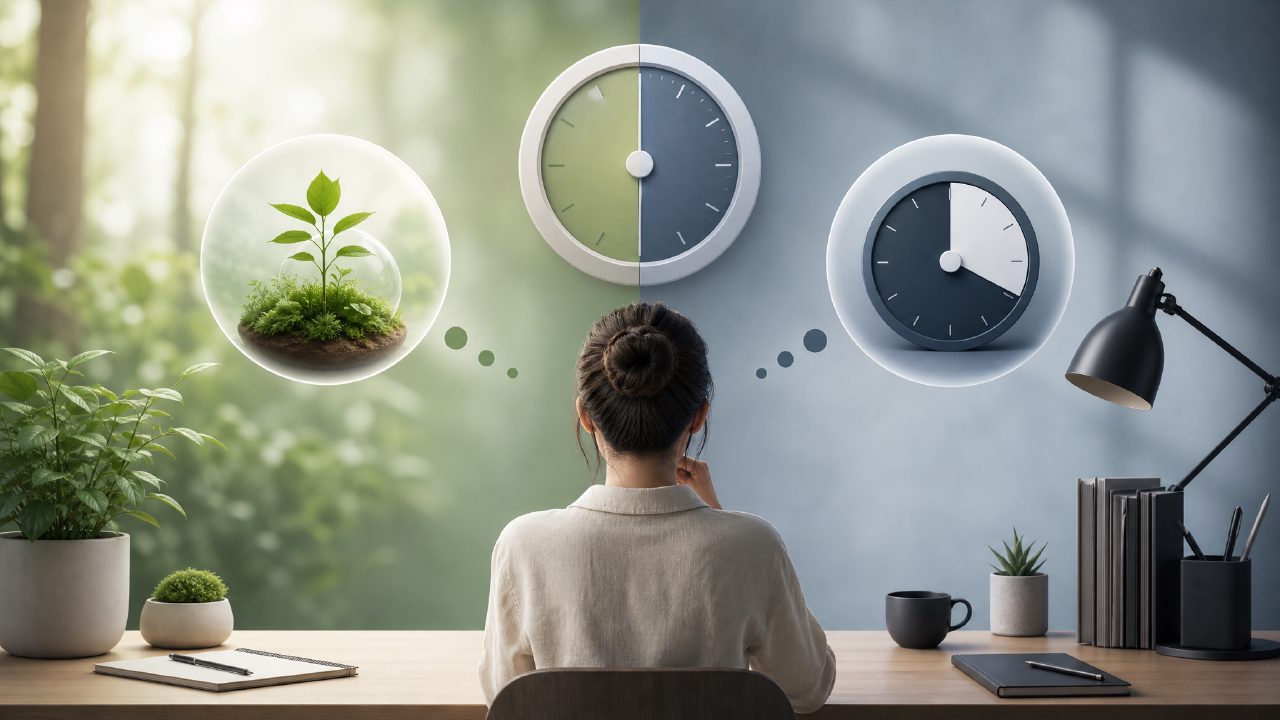
I’ve been trying to nail down a solid pomodoro routine for a couple of months. My phone is the main enemy, so an app that blocks distractions but also feels good to use matters. I spent a couple of weeks testing the Forest app back-to-back with focusly and a basic generic timer. Here’s what I found.
How Forest and focusly approach the same problem
Both apps want you to stay on task. Forest does it by turning your focus session into a virtual tree that dies if you pick up your phone. Focusly takes a more data-driven route: it tracks your session history, adjusts the timer interval based on your past performance, and gives you a basic focus score.
First observation: Forest’s tree-planting gimmick is genuinely motivating. I found myself not wanting to kill a pine tree I’d been growing for 45 minutes. But that charm wears thin when you have to whitelist every app you might legitimately need during a session. I missed a call because my phone’s dialer wasn’t allowed – lost my tree. Fair enough, but it felt like a penalty for something I couldn’t predict.
Focusly’s ai pomodoro focus app free tier gave me a flexible timer that shortened or lengthened based on my past 5 sessions. It felt smarter, but not always accurate. One day it set a 35-minute focus block after a particularly good morning, but that afternoon I was tired and it didn’t adjust quickly enough. Mild friction: the AI is reactive, not predictive. You still have to override it manually sometimes.
Real‐world differences that matter
Distraction control
Forest’s whitelist is powerful but clunky. You have to pre-authorize every app you’re allowed to use during a deep work block. That works perfectly for a study session with only a dictionary and note‑taking app open. But if your work requires quickly checking Slack or a web browser – and you forgot to include them – you’re stuck. Focusly doesn’t block anything; it just logs when you leave the app. That’s less forceful but also less stressful. I personally preferred Forest’s approach for pure study and Focusly’s for lighter office days.
Data and feedback
Focusly gives you a simple focus score after each session and a weekly breakdown. The best free pomodoro app 2026 should probably tell you more than “you focused for X minutes.” Forest barely gives you feedback beyond the trees. You can see a virtual forest, but you can’t tell which times of day you were most productive. If you’re serious about improving your work rhythm, Forest is charming but shallow. Focusly’s data felt more actionable, even if it’s not perfect.
Tradeoffs: gamification vs. analytics
Forest wins on emotional engagement. I’d look forward to growing a new species after a streak. But that same feature makes you want to check the app – kind of undermining the “leave your phone alone” principle. Focusly is less fun but also less distracting. There’s no virtual garden to admire, just a graph.
Both apps are free with optional paid upgrades. Forest’s premium unlocks more tree species and a “deep focus” mode. Focusly’s paid version adds longer sessions and more detailed analytics. For a best pomodoro technique app 2026, I’d say the free tier of each is already enough for most people.
One more cautious observation: after two weeks, I stopped using both occasionally. Neither app solves the real problem of willpower. On days I was tired, I ignored the timer or switched to a generic stopwatch. That’s human, not a flaw of the app. But if you’re looking for a silver bullet, you won’t find it here.
Which one should you pick?
If you need strong app blocking and enjoy a playful reward system, Forest app is the better choice. It turns focus into a game, and that works for many people. If you want light scheduling, adaptive timing, and a bit of data to look back on, focusly feels more modern and practical.
For a best free pomodoro app 2026, I think Focusly edges out Forest because the free tier is genuinely useful without microtransactions. But Forest is still a very strong contender, especially for students or anyone who responds well to visual rewards. Try both free versions for a week. Your habits will tell you which one sticks.
Comments
Leave a Comment