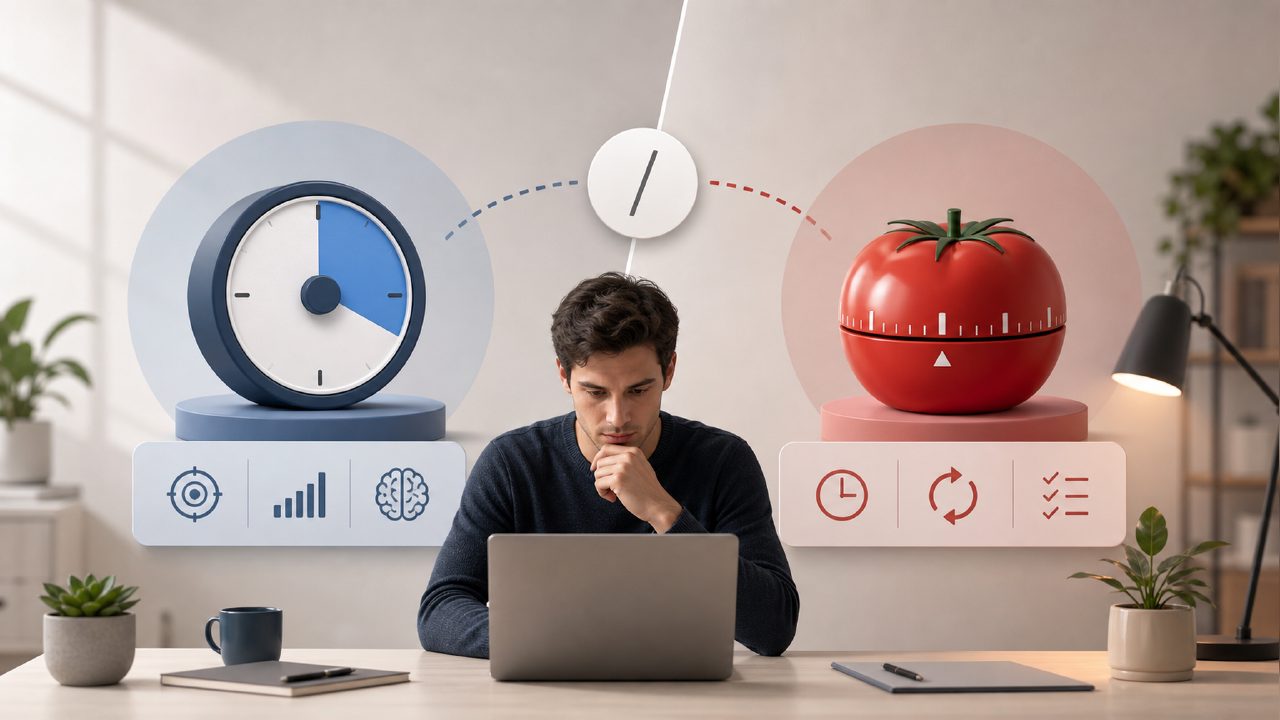
I kept bouncing between Pomofocus and Focusly trying to figure out which one actually helps me stay in deep work. Pomofocus has been the default for years—free, clean, no account required. Focusly promises more: session planning, AI-powered distraction management, and a rhythm that adapts to your focus levels. But does that extra complexity pay off? I tested both side by side for a couple of weeks to find out.
What are the main differences between Focusly and Pomofocus?
On the surface, both are pomodoro timers. Pomofocus is a no-frills web app. You set work/break intervals, click start, and that’s it. No sign-up, no tracking, no history unless you manually note it.
Focusly is a full app (mobile-first, but also web) that forces you to plan your session before you start. You pick a task, set the duration, and it compiles a sequence of work blocks with breaks. It also includes a built-in distraction tracker that asks you what pulled you away after each break. The AI component analyzes your session patterns and suggests adjustments to your work rhythm.
The biggest practical difference: Pomofocus lets you start working immediately; Focusly demands a small upfront planning step. That friction can feel unnecessary on days when you just want to grind, but it also prevents that “I’ll just start a timer and figure out the task later” trap.
Which one is better for deep work?
It depends on your personality. Pomofocus stays out of your way. If you already have a clear task list and self-discipline, it’s probably all you need. But if you often finish a session and realize you spent those 25 minutes half-distracted, Focusly’s structure helps.
I tested both on a writing project. With Pomofocus, I completed four pomodoros but felt the quality of focus was uneven—some blocks I was deep, others I kept checking my phone. Focusly’s planning step forced me to articulate exactly what I was working on. The distraction log caught me checking email twice, and the app later suggested I schedule shorter 20-minute blocks for tasks I find boring. That kind of feedback is something Pomofocus simply doesn’t offer.
The tradeoff: Focusly’s AI advice is still a bit rough. The suggestions are generic sometimes (“Try a longer break after 3 sessions”), and the distraction tracking only works if you’re honest about interruptions. It’s helpful but not a silver bullet.
Is Focusly worth switching from Pomofocus if I want a free pomodoro timer app?
Pomofocus is completely free, open source, and no account needed. That’s a huge advantage. Focusly has a free tier, but it limits you to a certain number of sessions per day unless you upgrade. Last I checked, the free plan covers about 4 sessions daily—fine for students or part‑time workers, but heavy users will hit the wall.
If you’re searching for a free deep work timer 2026 that doesn’t require paying, Pomofocus is still the most reliable option. Focusly’s free version works, but you’ll feel the missing features (like session history or the AI insights) after a few days. The AI pomodoro focus app free tier is usable, but not as generous as Pomofocus.
Does Focusly’s AI actually help, or is it gimmicky?
I approached this skeptical. The AI feature is not a magical focus assistant—it reads your session data and offers schedule tweaks. For example, after a week it noticed I was most productive in the first two hours of the morning and suggested I front-load complex tasks. That’s solid advice, but nothing a disciplined spreadsheet couldn’t do.
What surprised me is that just having the app collect data made me more aware. The AI itself didn’t transform my focus, but the act of logging distractions and reviewing weekly trends did. That said, I’ve had moments where the app mislabelled a break as a distraction because I paused the timer to answer a call. The logic isn’t perfect yet. Consider the AI a gentle coach, not a hardcore productivity engine.
Which one should a student pick?
If you need something that just runs on a browser during class breaks, Pomofocus is probably better. No sign‑up, works on any device, and you can set intervals quickly. But if you’re studying for exams and want to track how long you actually spend on each subject, Focusly gives you that data. I tested it for a week of studying organic chemistry. The planning screen let me set “Chapters 5–7” as the session goal, and afterward I could see exactly how many minutes I spent on each before distractions hit.
One limitation: Focusly’s current mobile app is smoother than its web version. On desktop, the interface feels a bit cramped. That’s a mild friction if you primarily study on a laptop. Pomofocus, being a web app, scales well and looks fine everywhere.
Final call
I wouldn’t call either one “better.” If you just need a pomodoro timer and you’re already disciplined, stick with Pomofocus. It’s lighter, freer, and faster to start. If you struggle with planning or want data to fix your focus habits, Focusly earns its keep. The AI is still maturing—it’s not magic—but the overall structure around planning and reflection is genuinely useful. Try both for a week and see which routine you actually stick with.
Comments
Leave a Comment