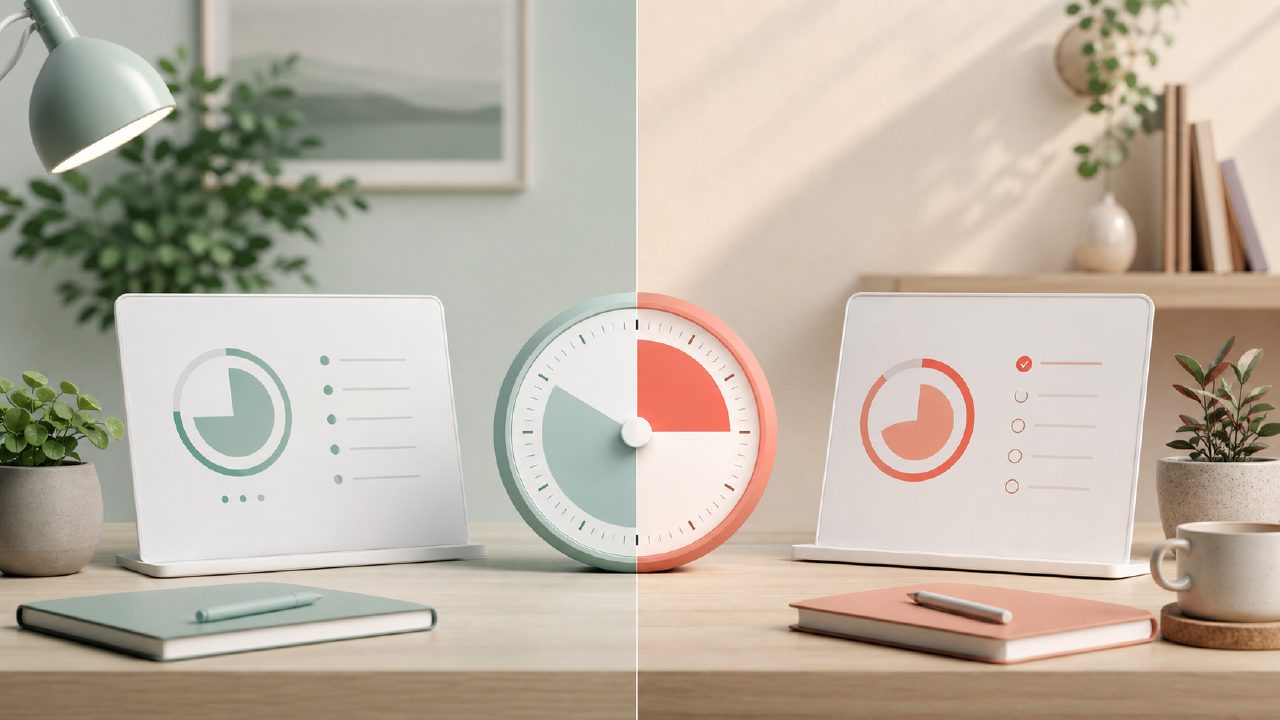
I was setting up a new study routine for the winter term and kept bouncing between two Pomodoro apps: Focusly and Focus To Do. Both promise better focus, but they approach it differently. After a few weeks of running both on my phone and desktop, here’s what I actually found.
Focusly vs Focus To Do: the simplicity gap hits fast
The first thing that stood out was how lean Focusly feels. You open it, pick a session length, and the timer starts. No extra dashboards, no project folders, no habit trackers staring at you. I liked that for pure deep work blocks—I didn’t waste time organizing tasks when I should have been writing. Focus To Do, by contrast, loads with a full task manager, today view, and a bunch of toggles. It can do more, but the friction is real if you just want to start a timer.
That said, Focus To Do’s extra structure helps when you’re planning a whole day’s work. I would use Focusly for a single 90-minute session, then switch to Focus To Do when I needed to chunk up a writing project across the afternoon. Each felt incomplete in the other’s context.
Distraction blocking: one app goes further
Both apps offer a “focus mode” that locks you into the timer. Focusly’s version is clean—it blocks notifications and keeps you on the timer screen. But Focus To Do has an actual app locker that prevents you from leaving to check social media or email. I found this more effective when I was prone to sneaking a peek at messages. Focusly’s method works if you have basic self-control, but it’s not as forceful. If distraction is your main problem, Focus To Do’s locker may be worth the extra clutter.
Session planning and where it gets murky
Focusly lets you plan a session by setting a target number of rounds or a total focus time. I tested setting up “4 x 25 min” and it ran through the cycles automatically. Focus To Do requires you to add each Pomodoro as a separate task or use its “goal” feature. This felt more fiddly. One mild frustration: in Focusly, if you skip a break manually, the timer still logs the completed session. I wasn’t sure if that was a bug or by design, and the app doesn’t explain. With Focus To Do, break skipping is clearly documented—but it’s also more button-pressing.
On data tracking, Focusly gives you a simple daily graph of focus minutes. Focus To Do dumps a lot more data: tasks completed by project, interruption logs, even a focus streak. For me, that “Focus To Do” analytics page felt overwhelming and I rarely looked at it. For a data-driven person, it might be a goldmine. So that’s a tradeoff: clean versus comprehensive.
Free tier and what it costs you
Since people searching for best free pomodoro timer 2026 or free pomodoro focus app 2026 will want to know: both have generous free versions. Focusly’s free tier includes unlimited sessions and basic stats. Focus To Do’s free tier shows ads and limits you to a few saved tasks. The ads are not intrusive, but they’re there. Focusly is currently ad-free even on the free plan. That alone might tip the scale if you hate interruptions. However, Focus To Do’s free version has the app locker, which Focusly locks behind a paid subscription. So the real choice is: pay for stricter blocking with Focusly, or tolerate ads for more features free.
Honestly, neither app feels complete without the upgrade. But for someone new to Pomodoro, I’d start with focusly because it’s simpler and you’re less likely to abandon it. You can always switch to Focus To Do later if you need heavy task management.
Verdict: it depends on how you work
If you want a no-nonsense timer for deep work sessions without planning overhead, focusly is the better pick. If you need a full task manager with a Pomodoro engine attached, Focus To Do makes more sense. I ended up keeping both on my phone—Focusly for quick sprints, Focus To Do for structured work blocks. Not an elegant solution, but that’s the honest reality. The best free pomodoro timer 2026 might just be the one you actually use consistently.
Comments
Leave a Comment