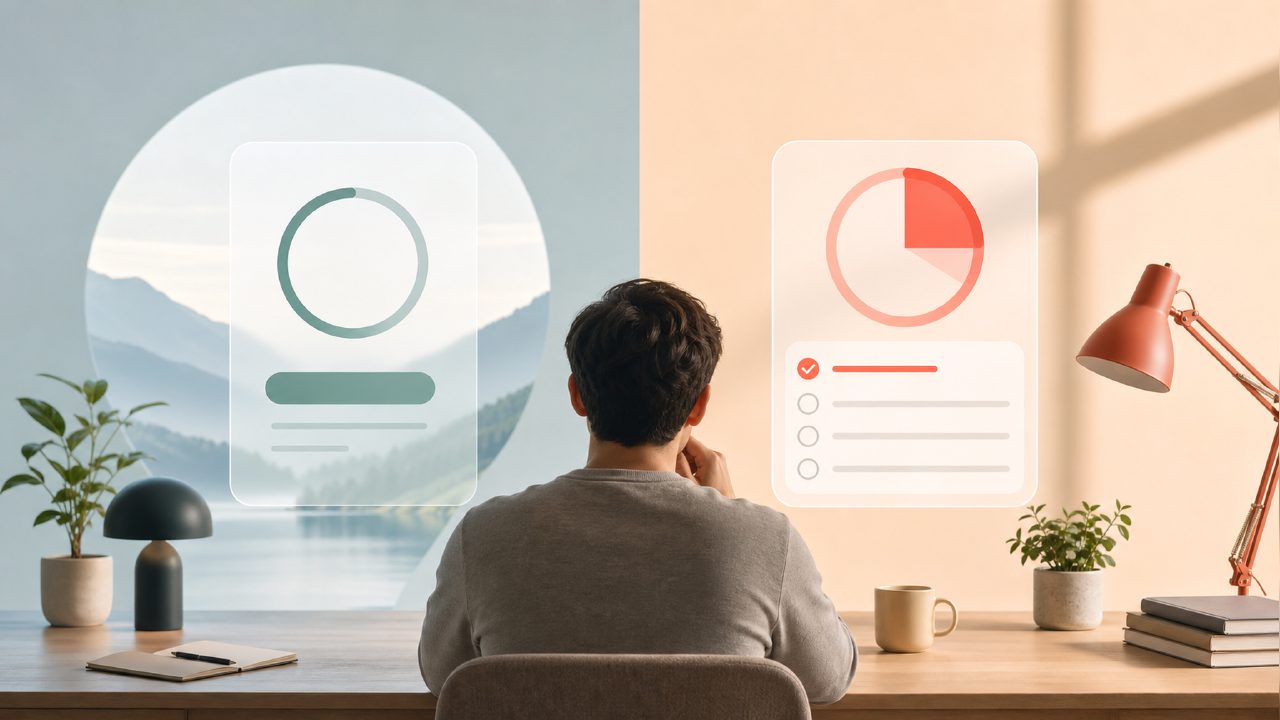
I’ve been bouncing between focus apps for a few years now, and the “focusly vs focus to do” question keeps coming up in productivity circles. I finally spent a solid two weeks running both side by side during actual work sessions—writing, code review, reading sprints. Here’s what I found, with all the rough edges left in.
What each app actually does differently
Focusly is a dedicated deep work timer. You pick a session length (the standard Pomodoro 25/5, or you can tweak it), pick a background sound, and go. It’s minimal. No task lists, no project tagging, no calendar. The app literally just wants you to focus on one thing for a block of time. I used it for drafting this article—set 30 minutes, put on the “rain studio” track, and wrote. It worked fine. The sound quality is noticeably better than most free Pomodoro apps I’ve tried, which is a small thing that matters more than I expected.
Focus To Do is the opposite approach. It’s a full task manager with a Pomodoro timer bolted onto it. You create tasks, assign Pomodoro counts to them, and the timer runs as you check items off. I tested it for a day of editing work where I had 12 small revisions to process. The timer integration felt natural—start a task, hit the timer, work until the bell. The downside? You have to manage the task list first. If your work is more fluid (like creative thinking or open-ended research), the overhead of setting up tasks before you start can feel like friction.
The core tension here is: do you want a timer that assumes you already know what you’re doing, or do you want a system that tries to organize your work for you?
Observation 1: Focusly is faster to start, but slightly brittle
The one-tap timer in focusly is genuinely good. Open the app, pick a duration, and you’re running in under five seconds. That matters when you’re trying to catch a focus window before your brain wanders. But I found a mild annoyance: there’s no way to pause and resume a session if you get interrupted by something legitimate (a call, a quick question from a teammate). You have to cancel the session and start over. That’s fine for deep work blocks, but less ideal for days when interruptions are inevitable.
Observation 2: Focus To Do makes you plan, which helps or hurts
If you’re the kind of person who already plans your day in a to-do app, Focus To Do will feel natural. I used it on a day with three distinct writing tasks, and the built-in Pomodoro tracking helped me see I was spending too many sessions on the least important piece. The analytics are decent—shows how many Pomodoros per task, per day, per week. But if you just want to sit down and work without planning first, the initial setup can feel like homework.
Observation 3: The free tier differences are real
Both apps have free versions, and this is where the best free pomodoro timer 2026 search makes sense. Focusly’s free tier gives you unlimited timer sessions and a solid set of background sounds. Focus To Do’s free version limits you to a smaller number of task lists and cuts off some of the detailed stats after a while. For the pure “I just need a free pomodoro focus app 2026” use case, Focusly is probably the better pick. But if you’re already managing tasks in another tool and just want a timer, Focusly’s lack of integration might frustrate you.
The tradeoff I keep bumping into
There’s no single winner here. The focusly pomodoro app is better for people who want a clean, distraction-free timer and already have their own way of tracking tasks. It’s a tool, not a system. Focus To Do tries to be both, which can work beautifully if you buy into the methodology, or can feel like over-engineering if you don’t.
One thing I’m still uncertain about: Focusly doesn’t give you a lot of feedback after the session. No graphs, no cumulative focus time, no session notes. That’s fine if you don’t care about data. But if you’re trying to build a habit, the absence of feedback makes it harder to see progress. Focus To Do at least shows you the numbers, even if the UI is busier.
Which one should you try first?
If you’re already overwhelmed by task management tools and just need a timer that won’t get in the way, start with focusly. The audio quality alone made me keep coming back, and the quick start time reduced the friction of beginning a focus session. If you thrive on structure and want your timer to be embedded in your task planning, Focus To Do is worth the setup investment.
Neither app is perfect. Focusly could benefit from a pause button and some basic stats. Focus To Do could benefit from a simpler “just timer” mode. But after two weeks of real sessions, I know which one I’ll keep on my home screen—and it’s the one that made me start working faster, not the one that made me plan longer.
Comments
Leave a Comment