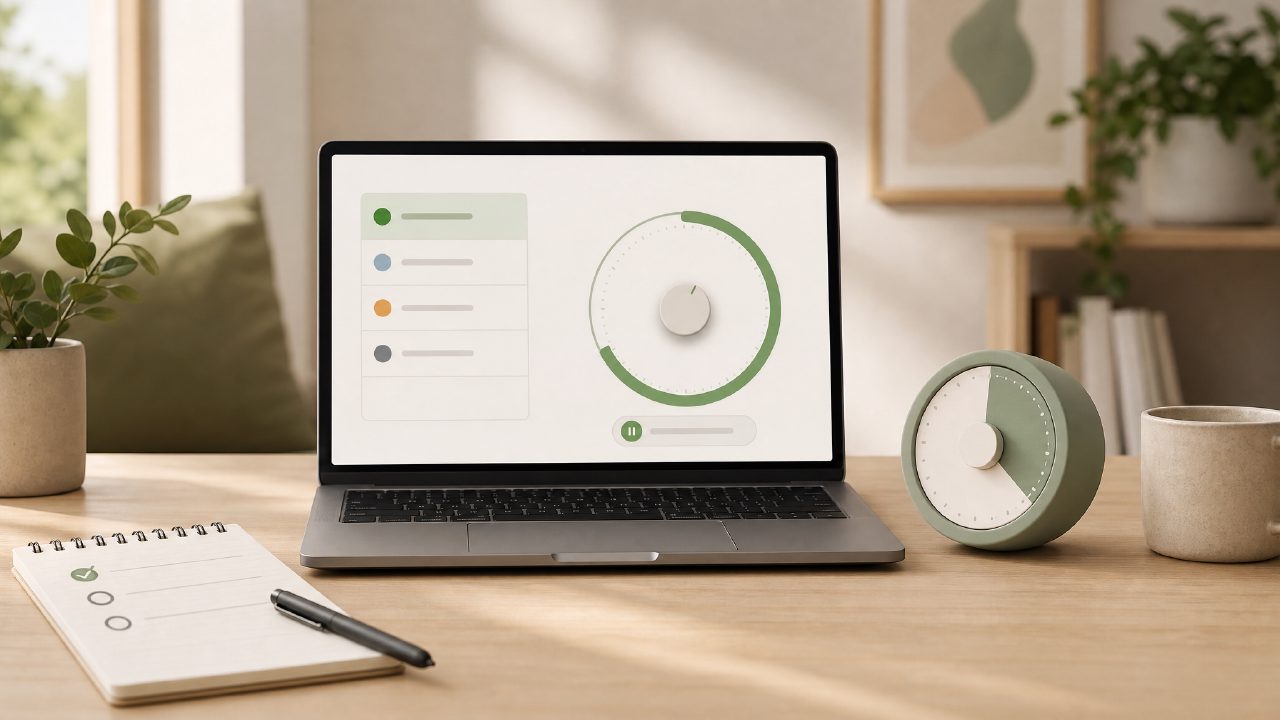
I needed a timer that didn’t feel like an afterthought attached to a to-do list. Most free pomodoro timers either force you to switch tabs to manage tasks or they bury task input behind a paywall. I wanted something simple: set a timer, pick a task, go. That’s what led me to test Focusly as a free pomodoro timer with task integration.
How I tested it for a real session
I had a research paper section to finish and a habit of getting distracted after 20 minutes. I opened the focusly app, created a task called “Outline intro paragraph,” and started a 25-minute pomodoro. The timer started immediately—no menu digging. The task name stayed visible on the timer screen, which helped me stay locked in.
The break timer also registered the completed session. After four pomodoros, I had the outline done and a solid start on the body. The task list showed how many sessions I’d finished, which gave a small sense of progress. I’ve tried the standard tomato-timer apps before; most just beep and move on. Focusly keeping a running count per task was a plus.
What worked better than expected
The sound profile. Most free timers use a jarring alarm. Focusly uses a short, soft chime that doesn’t yank you out of flow. I didn’t have to mute my system just to avoid being annoyed.
The interface is lean. No onboarding wizard, no account creation wall. I downloaded it and was adding my first task in maybe 15 seconds. That matters when you’re already resisting starting work.
Task persistence. I added several tasks for the week—rewriting a chapter, updating a client brief, reviewing notes. They stayed without me having to save them manually. The app remembered session counts even after I closed and reopened it.
Where it rubbed against my workflow
The task integration is straightforward but shallow. You can’t reorder tasks, nest subtasks, or assign deadlines. If your work relies on a more structured project manager (like Notion or Todoist), the integration here will feel like a notebook rather than a system. I found myself wishing I could group related tasks under a project label.
Also, the timer doesn’t auto‑advance to the next task after a break. You have to manually select the next task. It’s a small friction, but on a long day it adds up. I’m not sure if that was intentional to prevent rushing, but I’d prefer a “next task” button.
Should you switch to this as your main timer?
If you’re looking for a pomodoro timer app free that keeps you honest about what you’re actually working on, Focusly is a good match. The task integration is exactly enough to prevent aimless pomodoro sessions where you just run the clock without choosing a focus.
But if you need complex task hierarchies or automatic scheduling, this isn’t that. It’s a free deep work timer 2026 in spirit—aimed at people who want to pick one thing per block and do it.
I’ll probably keep using it for my daily deep work blocks. But I still go back to a separate note‑taking app for planning the granular steps. The combo works fine—Focusly handles the rhythm, the notebook handles the detail.
Comments
Leave a Comment