## Too Many Distractions: What Works (and Doesn't) with Focusly
Let’s be honest — pulling an all-nighter with five tabs open and your phone buzzing every two minutes is not the move. You know it, I know it, yet here we are, three hours in and still on Chapter 1.
That’s exactly where I was when I stumbled across **Focusly Deep Work**. It’s a Pomodoro timer app, but not the kind that just runs a 25-minute countdown and leaves you alone. Focusly tries to build an actual studying rhythm — plan your sessions, block distractions, and maybe stop you from spiraling into a TikTok rabbit hole.
### So How Does It Actually Help You Crush Exams?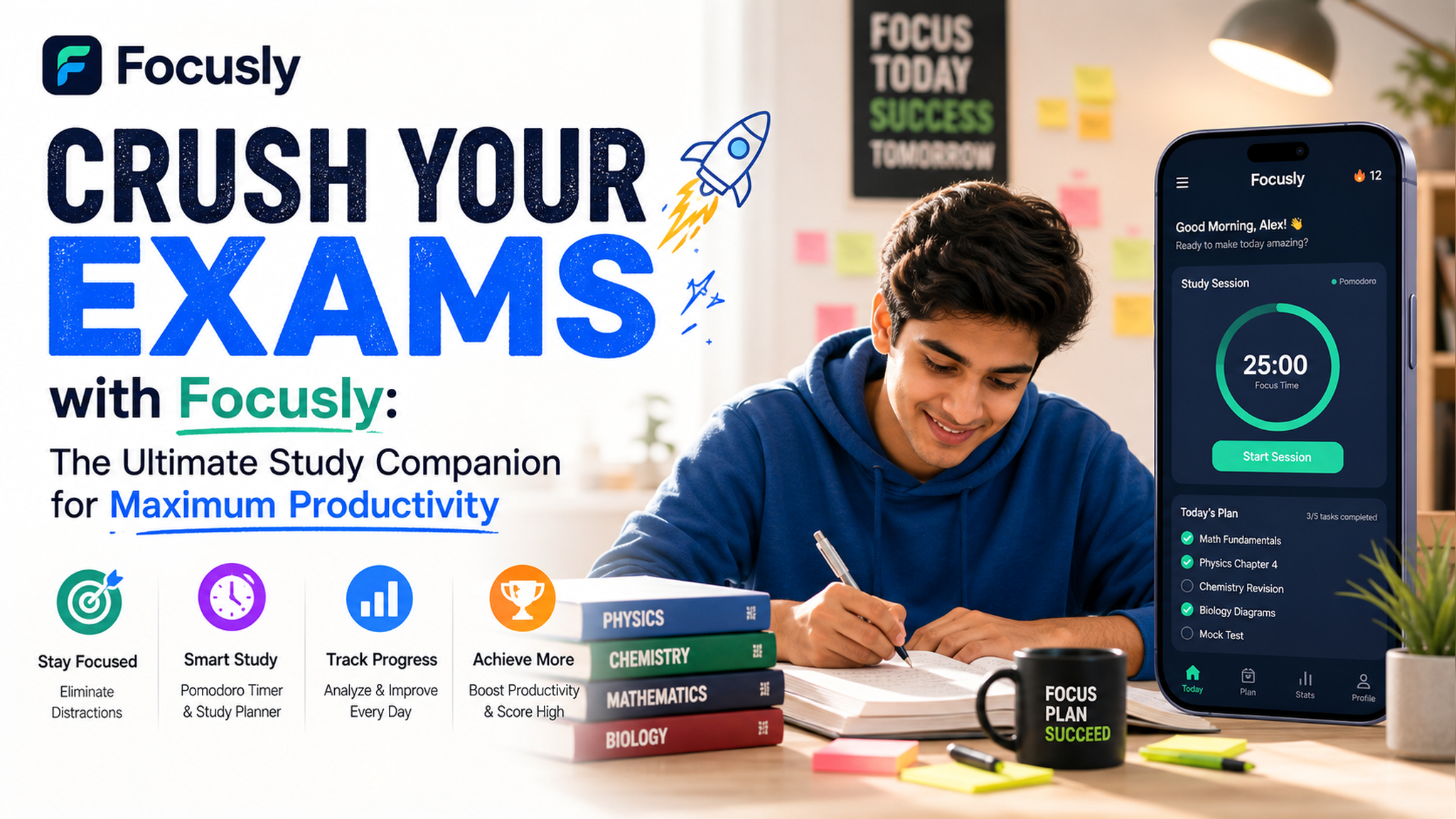
Focusly’s core is the Pomodoro technique — work in focused chunks, take short breaks, repeat. The app adds a few extra layers: you can set your session length (not just the standard 25 mins), choose a task label like "deep work" or "exam cram," and play ambient sounds (rain, coffee shop, white noise) that actually don’t suck.
What I noticed right away: the timer forces you into a decision. When that bell rings, you can either extend or stop. That friction alone kept me from mindlessly continuing a half-focus, half-scroll session. It’s a small psychological trick, but it works.
### Two Real-World Ways I Used It
**Scenario 1: Organic Chemistry Marathon** I had three chapters of orgo to get through in one afternoon. I set a 45-minute focus block, labeled it “orgo grind,” and played rain sounds. After 45 minutes, the break timer kicked in — 5 minutes to stand up, stretch, grab water. Then straight back in. By the fourth block, my brain was fried, but the app made me respect the break. Without it, I would’ve either quit early or pushed too hard and crashed.
**Scenario 2: Procrastination Loop** This is the worst one. You *know* you have a paper due, but every notification is a siren call. Focusly’s “distraction blocker” (which lets you block specific apps during a session) saved me more than once. I set it to block Instagram and YouTube for 2 hours. Painful? Yes. Did I get the first draft done? Also yes.
### Where It Falls Short (Because Nothing’s Perfect)
Focusly is not a magic pill. If you’re the type who can’t even commit to starting a timer, no app will save you. Also, the free version is decent but somewhat limited — you get basic pomodoros and a few sounds, but the advanced planning features (like scheduling your whole study week) are behind a paywall.
Another thing: the ambient sounds, while nice, can get repetitive. After a week of the same rain loop, I wanted something else. You can’t upload custom sounds (at least not easily), which is a bummer for people who need variety to stay locked in.
### Should You Download It?
If you’re a student who struggles with consistency and needs a structured study rhythm — yes. Focusly helps you *start* and *stop* intentionally, which is half the battle. If you already have a solid routine and just need a simple timer, the built-in clock on your phone works fine. But if your exam prep looks like "open book, stare at ceiling, scroll phone," give Focusly a real try for three days. You might be surprised what a clean interface and a few boundaries can do.
Bottom line: It’s not about the app. It’s about using a tool that makes the right thing easier to do. Focusly does that — just don’t expect it to study for you.
Comments
Leave a Comment