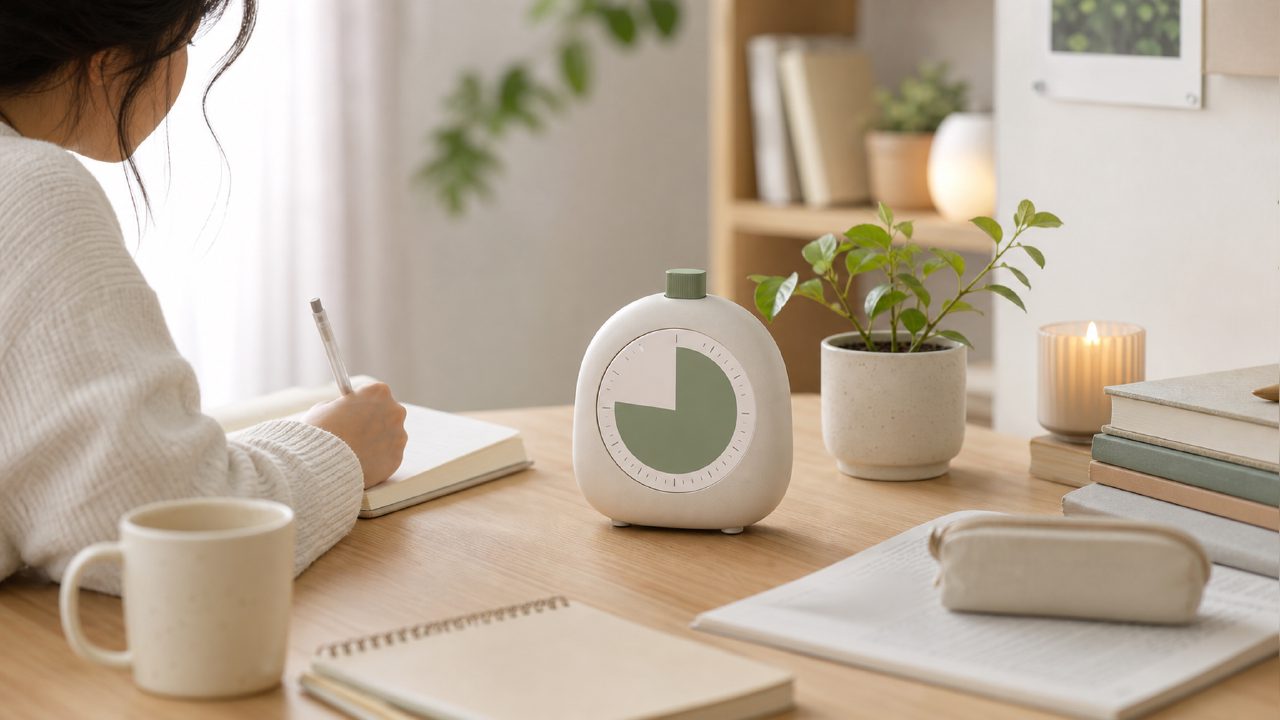
I’ve been watching study with me videos for years—probably longer than I care to admit. The visual structure, the quiet accountability, the soft ticking of a timer in the background. But I never found a timer app that matched that same rhythm. Most pomodoro apps feel like productivity dashboards. They shout at you when a session ends. They track everything. I wanted something calmer.
That’s what led me to test Focusly as a companion for my study with me routine. I was looking for a best free pomodoro timer 2026 that wouldn’t break the flow, and Focusly seemed promising on the surface.
What Focusly actually does
It’s a pomodoro timer app, but it leans hard into session planning and ambient sound. You set a work interval, pick a background sound (rain, coffee shop, forest, etc.), and start. The interface is clean—almost too clean. No badges, no streaks, no leaderboards. That was refreshing at first.
I used it for three study sessions while watching a long study with me video on YouTube. The idea was to see if the app could sustain the same focused atmosphere without relying on the video’s timer.
Three things I noticed pretty quickly
1. The session planner actually made a difference.
Instead of just hitting “start,” Focusly asks you to set a session length and choose a distraction level. I set 45 minutes with “low distraction” and it showed a small warning before starting. That subtle prompt made me lock in. I don’t usually plan sessions—I just start—but having that step made me commit more consciously.
2. The soundscapes are decent but not loop-proof.
The rain sound had a noticeable loop after about 12 minutes. If you’re sensitive to audio repetition, that might break your immersion. The coffee shop track worked better, but I wished there were more options. For a free pomodoro focus app 2026, it’s acceptable. But if you rely heavily on background noise, you might still load your own YouTube lofi along with it.
3. No break timer nudging.
This one bugged me. After a focus session ends, the app just goes silent. It doesn’t push you into a break mode automatically. For study with me routines, that’s a mild friction—you have to manually start the break or move to the next focus block. I forgot twice. A small nudge would have helped.
Where it fits and where it doesn’t
Focusly feels designed for people who already have some discipline. It doesn’t gamify anything. If you respond well to gentle structure instead of aggressive tracking, it might work. But if you need external motivation—trophies, alarms, social features—you’ll find it under-rewarding.
I also tried it alongside a live study with me stream. The app’s timer was running in split screen. That worked fine, but I wished the app had a “focus mode” that hid app badges entirely. It didn’t.
One tradeoff: the free version limits you to three soundscapes and basic session lengths. No custom intervals until you subscribe. For a focusly pomodoro app that markets itself as a deep work tool, that felt restrictive. Beginners won’t hit the paywall immediately, but power users will.
A qualified verdict
I’m not entirely sold. Focusly does one thing well—it creates a calm, distraction-minimized timer experience. The session planning is thoughtful. But the looping audio and the lack of break prompts made it less seamless than I hoped. If you’re a dedicated study with me YouTuber fan and you want to replicate that focused silence without the video noise, it’s a solid option. Just don’t expect it to fix your procrastination by itself.
Would I call it the best free pomodoro timer 2026 right now? No. But it’s a strong candidate for people who prefer timer apps that stay out of the way. I’ll keep testing it, especially if they add more soundscapes and fix that loop.
Comments
Leave a Comment