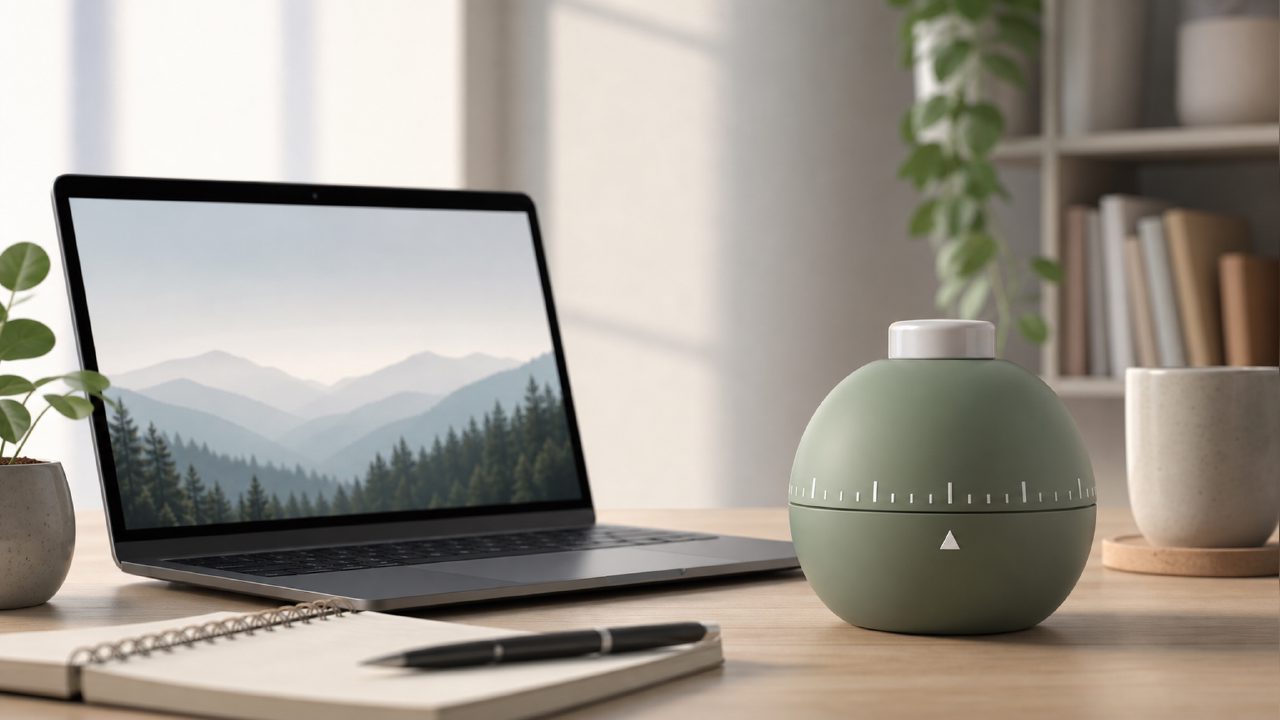
I’ve been on the hunt for the best free pomodoro app for productivity 2026 because the usual suspects either got bloated or started hiding basic features behind subscriptions. A friend mentioned Focusly as a clean option, so I spent a week running it through my standard deep work sessions to see if it deserved the label.
First impressions of Focusly
The app is refreshingly minimal when you open it. No onboarding wizard pushing a premium plan, no endless settings to tweak before you can start a timer. You pick a work duration (they default to 25 minutes but let you adjust), hit start, and it runs. The interface uses a soft visual cue — a growing circle — that feels less jarring than an alarm sound when your session ends. That small design choice actually helped me stay in flow.
What surprised me most was the session planning feature. Before starting a block, you can map out a quick intention (e.g., “draft outline” or “review code”). It’s not revolutionary, but it creates a tiny moment of commitment that made me less likely to drift into low-priority tabs. I found myself actually writing down what I’d do before hitting start, which rarely happened with other timers.
Real-world use and friction
I tested Focusly during two different scenarios: a morning writing sprint and an afternoon coding session. In the writing sprint, the timer’s silence between rings was ideal — no ticking sound, no distraction. During coding, I appreciated that the break reminders didn’t pop up as a full-screen overlay; they sit at the edge of the screen, so you can ignore them if you’re mid-debug.
But here’s the friction: the app doesn’t let you set custom break lengths in the free version. You get a fixed 5-minute short break and a 15-minute long break after four sessions. For someone who prefers a 2-minute stretch every 30 minutes, that rigid structure felt limiting. It’s a small thing, but if you’re particular about your rhythm, you’ll notice it.
Tradeoffs and limitations
The free tier does offer enough for most people: unlimited focus sessions, basic session planning, and a clean distraction list where you can jot down intrusive thoughts mid-focus. However, the advanced analytics (like focus trends over weeks) and custom sound packs are locked behind a paid plan. That’s fine for a free app — but if you really need data-driven insights to improve your routine, you’ll eventually hit a wall.
Another thing: the notification system is slightly inconsistent. I had one session where the break reminder never appeared, and another where it popped up twice. It wasn’t a dealbreaker, but for something that claims to be the best free pomodoro app for productivity 2026, I’d expect reliability to be more polished out of the gate.
Who gets the most out of Focusly
If you’re a student or a freelancer who just needs a reliable timer with minimal fuss, Focusly is probably the best free pomodoro app 2026 you’ll find right now. The session planning alone makes it more useful than a basic timer app. But if you’re someone who wants extensive customization or deep history tracking, you’ll either upgrade or look at alternatives like the standard Forest app (which is also free but gamified differently).
The app does not feel like a work-in-progress — it feels deliberately simple. That’s both its strength and its ceiling. For a free tool, it delivers where it matters: helping you start a focused block without friction. I’m not ready to call it the definitive best free pomodoro timer 2026 for everyone, but for people who want less rather than more in their productivity stack, it’s a solid pick.
Comments
Leave a Comment