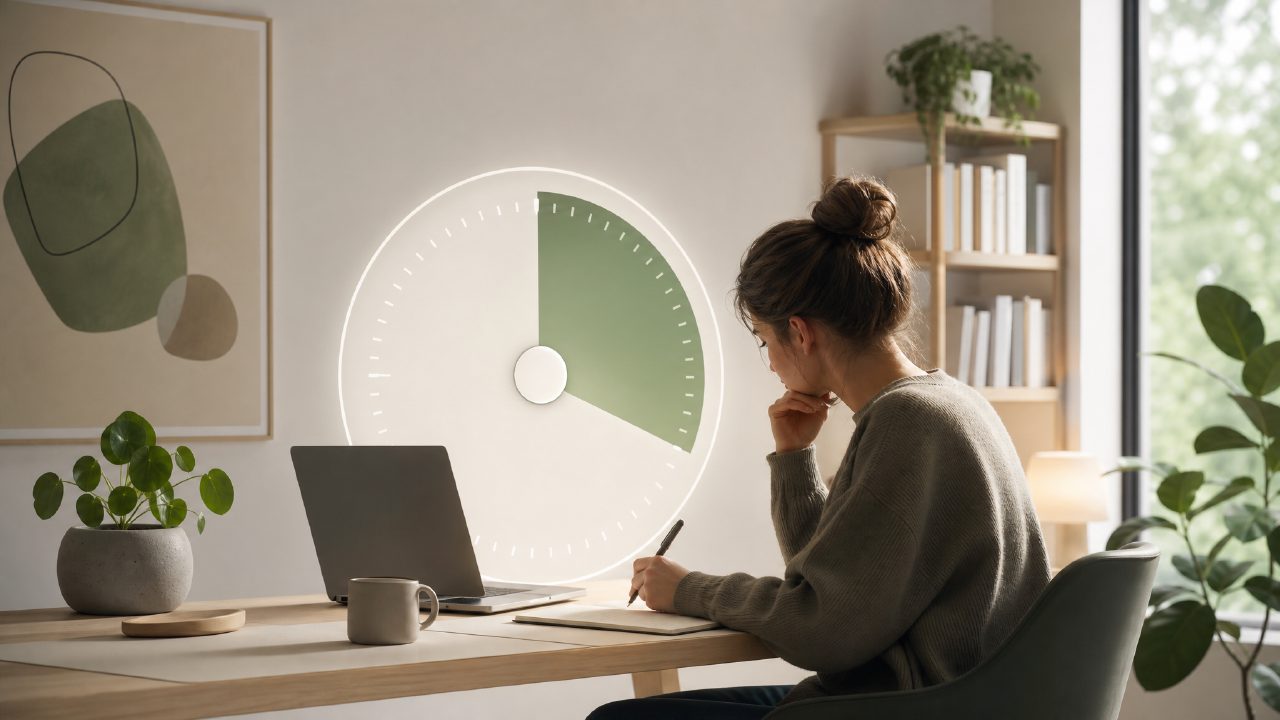
I’ve been through a handful of pomodoro apps over the years – some were too noisy, others too bare-bones, and a few just didn’t stick. Focusly caught my attention because it promised more than a start/stop timer: it wanted to plan entire deep work sessions. After a week of using it for writing and coding blocks, here’s what I found.
Why Focusly stood out during testing
The first thing I noticed was the session planning. Most pomodoro timers let you set a work interval and a break, but Focusly lets you sketch out a full session in advance: work blocks, breaks, and even longer pauses between rounds. That might sound minor, but it actually changed how I prepared. I’d open the app in the morning, lay out four 50‑minute blocks with 5‑minute breaks and a 30‑minute lunch gap, and then just follow the flow. It removed the “will I stop working?” decision fatigue during the day.
But the planning interface isn’t perfect. The first time I tried to add a custom block, I had to tap through three screens to adjust the duration. It’s not slow, but it’s more clicks than I expected. After a few sessions I got used to it, but that initial friction almost made me switch to a simpler app.
Distraction blocking – solid, but not bulletproof
Focusly includes a built‑in “focus mode” that blocks notifications and hides other apps. On my iPhone it worked surprisingly well – I didn’t see Slack pings or email badges during a session. On macOS, however, it relies on system‑level focus modes, which are good but not always consistent with what Focusly thinks is active. I had one afternoon where a calendar reminder popped through because the system focus hadn’t synced correctly. That kind of thing matters if you’re in a critical deep work window.
The focus music feature is nice but limited
A lot of apps throw generic lo‑fi tracks at you. Focusly has a small library of ambient sounds – rain, forest, coffee shop – that are well recorded and genuinely helpful for concentration. The catch is the selection is small, and you can’t upload your own tracks unless you pay for the pro tier. After three days I got tired of the rain loop and ended up playing my own Spotify playlist in the background. It’s not a dealbreaker, but it reduces the value of that feature if you rely on variety to stay focused.
Free version vs. premium – a realistic tradeoff
Focusly gives you a solid free tier: unlimited pomodoro sessions, basic session planning, and the distraction blocker (with some limits). You don’t get the advanced analytics (like how your focus quality changes by time of day) or the custom ambient sounds. For most students or casual workers, the free version is enough. If you’re a deep‑work regular and want data on your patterns, the premium might be worth it – but I’d test the free version for two weeks first. I’m still on the free tier and haven’t felt pressured to upgrade.
That said, if you’re looking for the best pomodoro technique app 2026, Focusly is a strong contender, especially for its planning features. It’s also one of the more polished options among the best free pomodoro app 2026 candidates, because the free tier doesn’t feel crippled. But I wouldn’t call it the best free pomodoro timer 2026 for everyone – if you just want a simple start/stop timer without extra planning, there are lighter apps that do the same thing with less clutter.
What I’m still unsure about
The “smart focus” feature that claims to adjust session length based on your energy is interesting on paper. In practice, I didn’t see it adapt much during my week. Maybe it needs more data. I’m not ready to trust it yet, and I found myself sticking to manual scheduling. It’s a feature that feels half‑baked right now, though a future update could change that.
Overall, focusly earns its place on my phone because the session planning genuinely improved my work rhythm. It’s not the most intuitive app out of the box, and a few features feel like works in progress, but it’s already better than the generic timers I tried before. If you’re someone who benefits from planning your day in advance and wants a tool that coordinates that with a timer, Focusly is worth a real look.
Comments
Leave a Comment