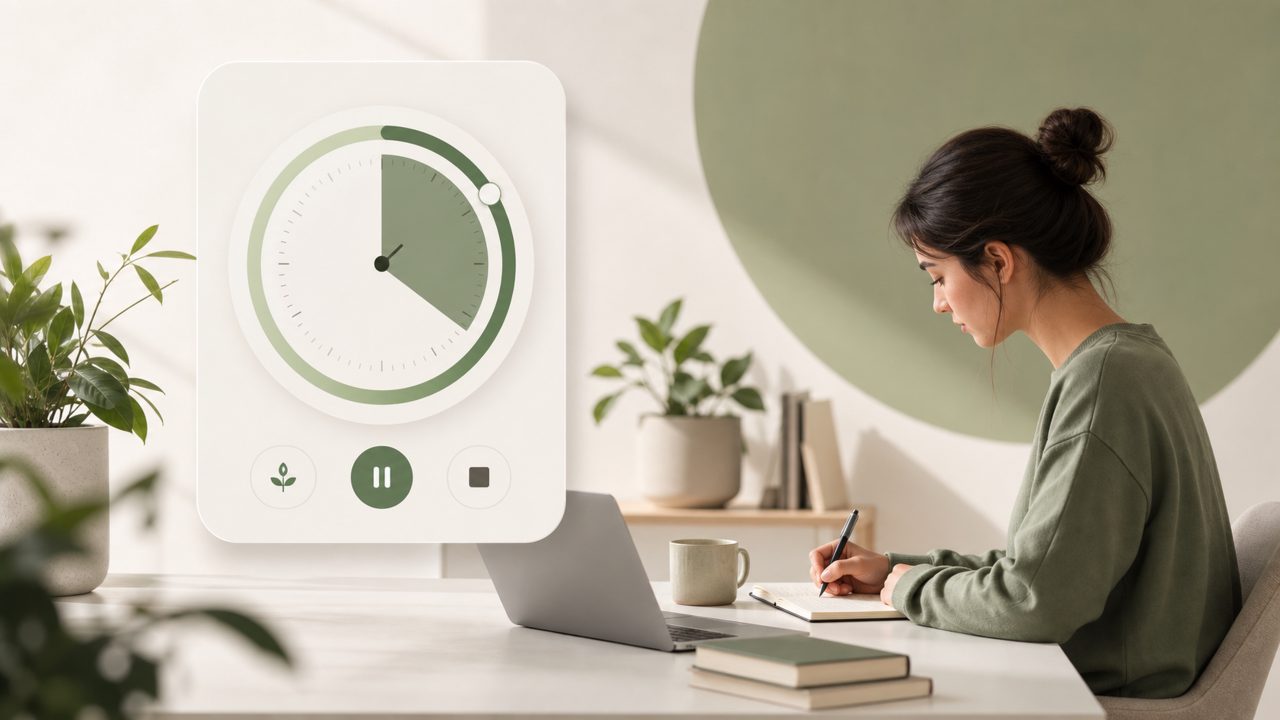
When I started hunting for a real time focus timer app free of ads and premium walls, I was skeptical. Most free Pomodoro apps either drown you in popups or limit core features unless you pay. Focusly came up in a few discussions, and the claim that it’s built specifically for “deep work” caught my attention. I decided to test it for a week during writing sessions and study blocks to see if it actually holds up without asking for my wallet.
First impressions – clean but not instant
The onboarding took a bit longer than I expected. Instead of just launching a timer, Focusly asks you to set up a session plan: pick a focus duration, break length, and a specific goal for that session. That extra step is a deliberate design choice, but it felt slightly cumbersome when I just wanted to start a quick 25-minute sprint. Once I got past that, the interface is genuinely clean – no clutter, no banner ads, and no obtrusive “upgrade now” button on the main screen.
One thing I noticed right away: the app includes a short, guided breathing exercise before each session if you enable it. I usually skip those, but having the option doesn’t hurt. The timer itself runs smoothly, with a real-time countdown and optional ticking sound. The free version gives you access to a handful of ambient soundscapes, which surprised me – many competitors lock those behind a subscription.
What works well for deep work sessions
Focusly’s main strength is that it doesn’t force you into the traditional 25/5 Pomodoro schedule. You can set focus blocks from 10 minutes up to 90 minutes, and adjust break length independently. During a stretch of writing this review, I used a 50-minute focus block with a 10-minute break. The app let me track that as a single session, not a series of intervals. That flexibility is useful if your work rhythm doesn’t fit a rigid pomodoro grid.
I also appreciated that Focusly shows a live “focus streak” count within the session – a small visual motivator that keeps you from unlocking your phone. Over the week, I completed around 12 sessions, and the app logged them all in a simple history view. No charts or deep analytics in the free tier, just a list of dates, durations, and session goals. For a best free pomodoro app 2026 candidate, that’s reasonable.
Tradeoffs and realistic concerns
Here’s where I got a bit cautious. The free version doesn’t sync across devices. If you start a session on your phone, you can’t check your progress later from a tablet or desktop. That’s a genuine limitation for anyone who moves between devices during the day. The app also lacks a browser extension, so if you need to block distracting websites while using the timer, you’ll need a separate tool.
Another mild friction: the notification sound when a focus block ends is surprisingly loud. I fumbled with the settings a couple of times before finding the volume slider inside the app. And while the free tier is genuinely free, there is a subscription tier that unlocks more ambient sounds and detailed reports. The upgrade prompts are subtle, but they do appear occasionally after a session ends. Not a dealbreaker, but worth noting for those who hate any kind of upsell.
Scenarios where it fits well
I found Focusly most useful in two situations:
- Long study sessions – the ability to set 60+ minute focus blocks with a personalized goal (like “read chapter 4”) kept me on track without checking the clock.
- Short, intense work sprints – using 20-minute sessions for emails or quick edits felt natural, and the streak counter discouraged multitasking.
For someone who primarily works from one device and doesn’t need heavy analytics, Focusly is a solid pick. It might even earn a spot in discussions about the best free pomodoro timer 2026, provided they improve cross-device support.
Practical verdict
If you need a real time focus timer app free that actually respects your attention and doesn’t immediately ask for payment, Focusly delivers. It’s not perfect – the lack of syncing and the loud default alert are real annoyances – but the session flexibility and clean design make it a strong option for focused work. I’ll keep using it for now, especially for long writing sessions. Just keep your phone on silent and don’t expect a full productivity suite.
Comments
Leave a Comment