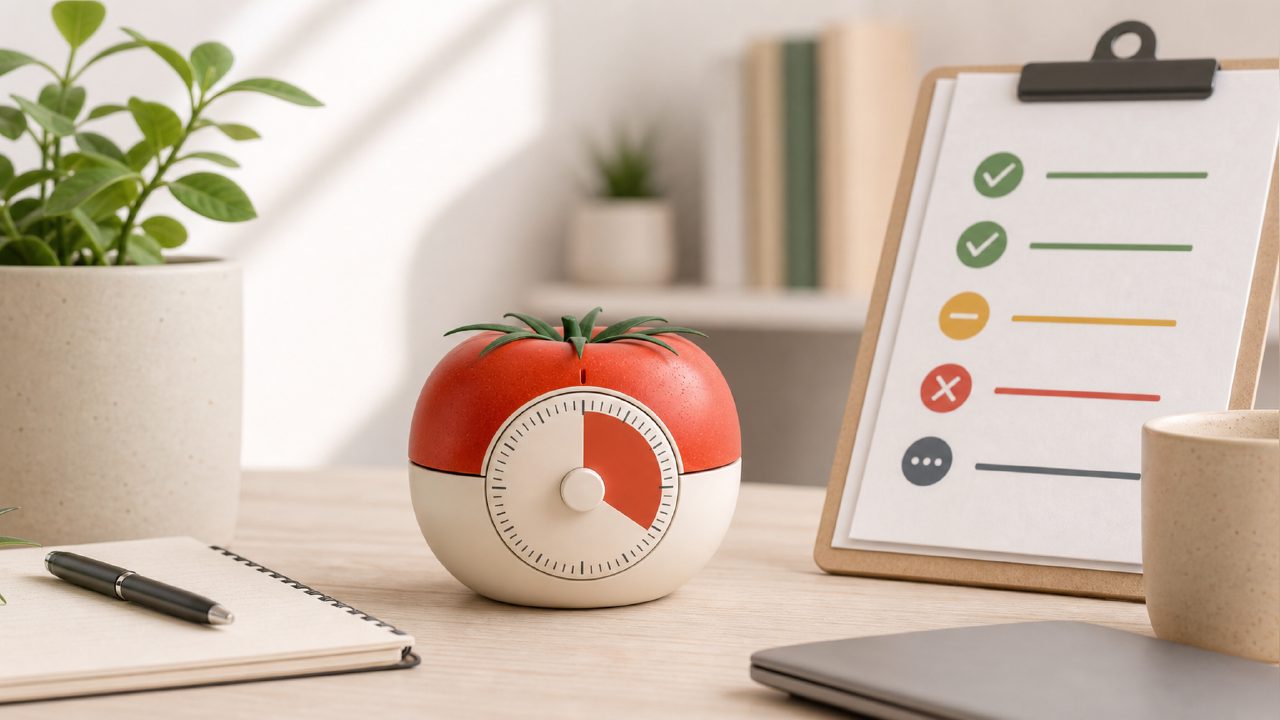
If you've been trying to build a better work rhythm but keep bouncing between a dozen browser tabs or getting distracted by your phone, you've probably looked into the pomodoro technique. The basic idea is simple—work in focused 25-minute blocks, then take a short break. But actually sticking with it is harder than it sounds. Most timer apps don't do much more than beep at you, and they certainly don't help you plan your sessions or reduce the temptation to check social media.
I spent a few weeks testing a handful of Pomodoro timers, including some free ones, and the one that kept coming back into my rotation was Focusly. It's not perfect, and there were moments I wanted to throw my phone across the room, but here's what I found—presented as a practical checklist to help you decide if it's worth trying.
Pomodoro Technique Checklist: What Focusly Gets Right (and Where It Slips)
- It actually helps you plan your sessions. Most free timer apps just let you start a countdown. Focusly lets you set up your work sessions in advance. You choose the focus length, break length, and how many cycles you want. I set up a morning block of four 25-minute sessions with 5-minute breaks, and it ran through them without me having to tap "start" again. That sounds small, but when you're in the middle of writing or coding, not having to reset the timer manually keeps you in the zone. The downside here is that the free version limits how many session presets you can save. If you want to switch between full-day work mode and shorter study sessions regularly, you'll hit that wall fast.
- Distraction blocking feels more intentional. Focusly doesn't just sit there like a silent clock. It has a built-in white noise and focus sound library. I'm not usually a background noise person, but I tried their "deep focus" track during a particularly noisy afternoon. It helped. The app also encourages you to set "do not disturb" mode before starting a session. It's not a magic bullet—your phone still buzzes if someone calls twice—but it's better than most free alternatives. If you're looking for a free pomodoro focus app 2026 that at least tries to handle distractions, this is worth a download. Just know that the best sounds are locked behind a subscription.
- The interface is clean, but not infinitely flexible. I appreciated that Focusly doesn't bombard you with ads or pop-ups. The timer screen shows your session progress, breaks remaining, and a simple circle countdown. That's it. But if you're the type who wants to customize every detail—like changing the timer colors, setting different sounds for different task types, or adjusting the break interval to exactly 7 minutes instead of 5—you'll find the options limited. It's designed for people who want to set a routine and follow it, not for tinkerers. I actually prefer that simplicity, but I can see how someone coming from a more configurable app like Forest might feel constrained.
- Focusly works best for deep work, not quick tasks. This is the biggest tradeoff I noticed. The pomodoro technique is often pitched as a method for getting things done, but Focusly is clearly optimized for deep, uninterrupted work sessions. I tried using it to power through a batch of small admin tasks—replying to emails, updating calendar entries—and the rigid 25-minute block felt too long. I ended up staring at the timer waiting for it to end. For that kind of work, a simpler timer or even a stopwatch would have been better. Focusly shines when you need to write, read, study, or code for extended periods. If your workday is mostly bite-sized interruptions, this probably won't be your best fit.
- The free tier is solid, but has clear limits. You can use Focusly without paying a cent. The basic Pomodoro timer works fine, you get access to a few sounds, and you can run sessions back-to-back. That makes it a contender for the best free pomodoro timer 2026 if you just need a no-fuss timer. But you won't get session history, advanced statistics, or the full sound library without upgrading. I hit the limit after about a week of daily use when I wanted to review how many sessions I actually completed. The app just showed the current session data and nothing else. If tracking your productivity over time matters to you, the free version will feel incomplete.
Is Focusly the Right Fit for You?
I'm still using Focusly a few weeks later, but not every day. It's become my go-to for morning writing blocks and study sessions. For those use cases, the focus-first design genuinely helps me avoid distraction. But for quick task batching or highly flexible scheduling, I've switched back to a basic timer on my watch. The pomodoro technique works best when the tool fades into the background, and Focusly mostly achieves that. Just don't expect it to transform your workflow overnight. It's a timer that tries to be a little more stubborn about protecting your focus. Whether that's a good thing depends entirely on how disciplined you already are.
Comments
Leave a Comment