Let me be real with you: staying focused in 2025 is basically impossible. Your phone buzzes, Slack dings, someone sends a TikTok that's actually funny, and suddenly it's been 45 minutes of doom-scrolling. You're not lazy—your brain just wasn't designed for this level of distraction.
That's where Focusly Deep Work comes in. It's not another generic Pomodoro app that just beeps at you every 25 minutes. I've been testing it for the past two weeks during my actual workdays—writing, coding little side projects, even trying to get through a dense textbook—and here's what I found.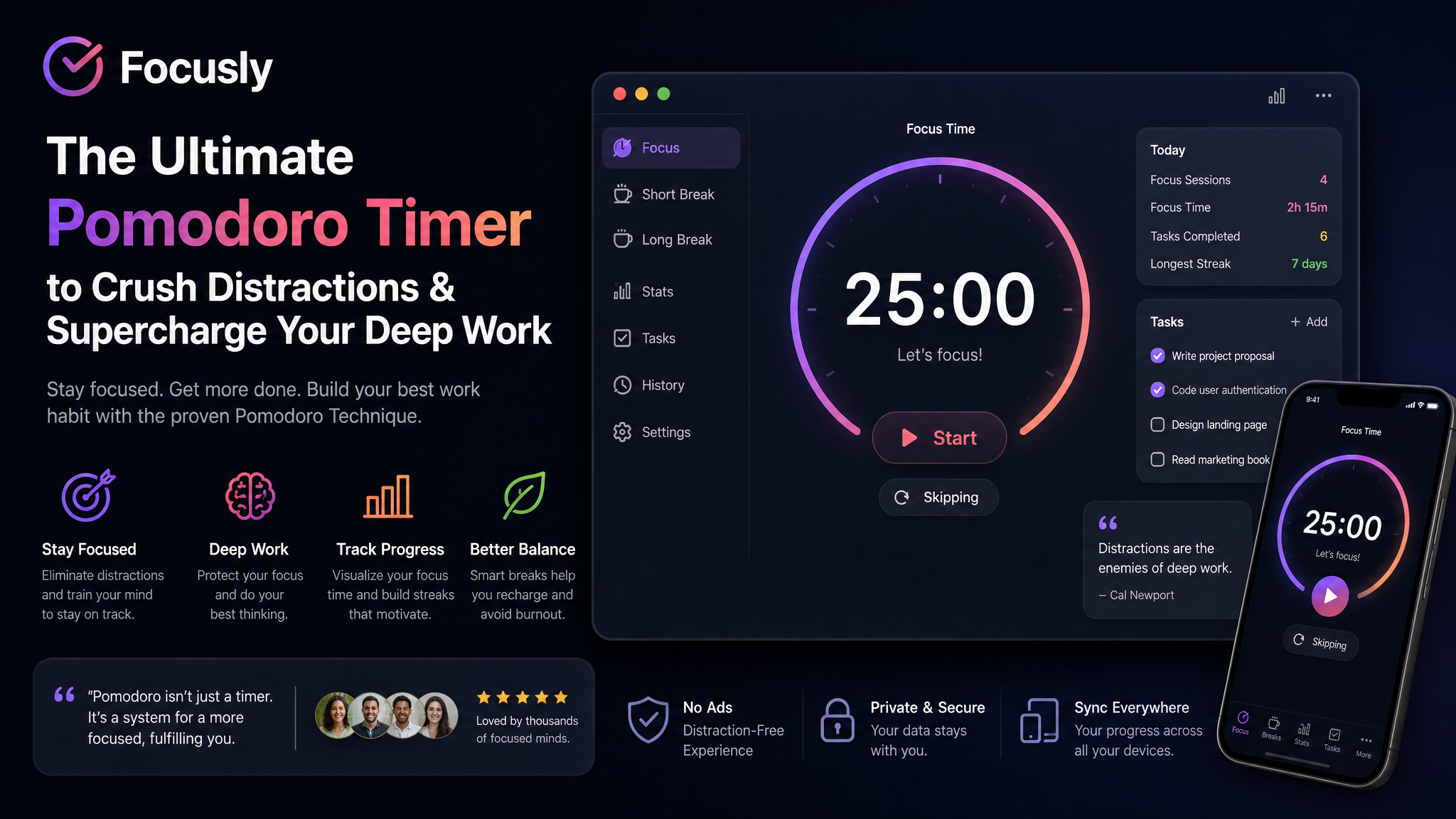
What actually makes Focusly different?
The core is still the Pomodoro technique, but Focusly adds a layer of intentionality that most timers skip. Before you start a session, you have to specify what exactly you're going to work on and how many cycles you want. It sounds minor, but committing upfront genuinely stops you from half-starting a task and quitting two minutes in.
My go-to setup: 50-minute focus blocks with 10-minute breaks. That's the "deep work" preset, and it actually feels sustainable for writing or debugging. The app plays a subtle ambient sound—nothing loud or gimmicky, just enough to mask office noise or the neighbor's construction.
Three scenarios where it clicked for me
1. Cramming for a certification exam. I had three chapters left and zero motivation. Focusly's session planner let me sequence four 40-minute blocks with specific chapter labels. Checking off each one gave me a weird dopamine hit that kept me going.
2. A messy afternoon of coding. When you're deep in a bug fix, it's easy to lose track of time and burn out by 3 PM. Using Focusly forced me to take actual breaks—stand up, walk around, not just switch tabs to YouTube.
3. Writing this review. I used two consecutive deep work blocks. The first draft came out in one focused sprint instead of the usual two-hour procrastination cycle.
The honest tradeoffs you should know
Focusly isn't perfect, and pretending it is would be fake. Here's what I'd flag:
The app works best when you already have a task in mind. If you're totally unfocused about what to do next, the "plan your session" step might frustrate you. You'll sit there staring at the input field. In that case, a simpler timer—or even just a notebook—might be more practical.
Also, if you thrive on chaos and ad-hoc work schedules (some creative roles operate this way), rigid focus blocks can feel like a cage. Focusly rewards structure. It's not great for people who need to be reactive all day.
And yeah, like most subscription apps, there's a free tier with limits. For a full experience you'll want the paid version. Evaluate whether you actually commit to a tool before spending.
Who should actually use this?
If you're a student grinding through exams, a developer needing deep coding sprints, or anyone in a focused knowledge-work role—Focusly will likely help. If you're someone who prefers loose scheduling or collaborative work, look elsewhere.
My take: It's a solid pick if you're serious about building a stronger work rhythm. It did what it promised for me—cut down interruptions and got me into flow state faster. That's worth more than another generic app collecting dust on your home screen.
Comments
Leave a Comment