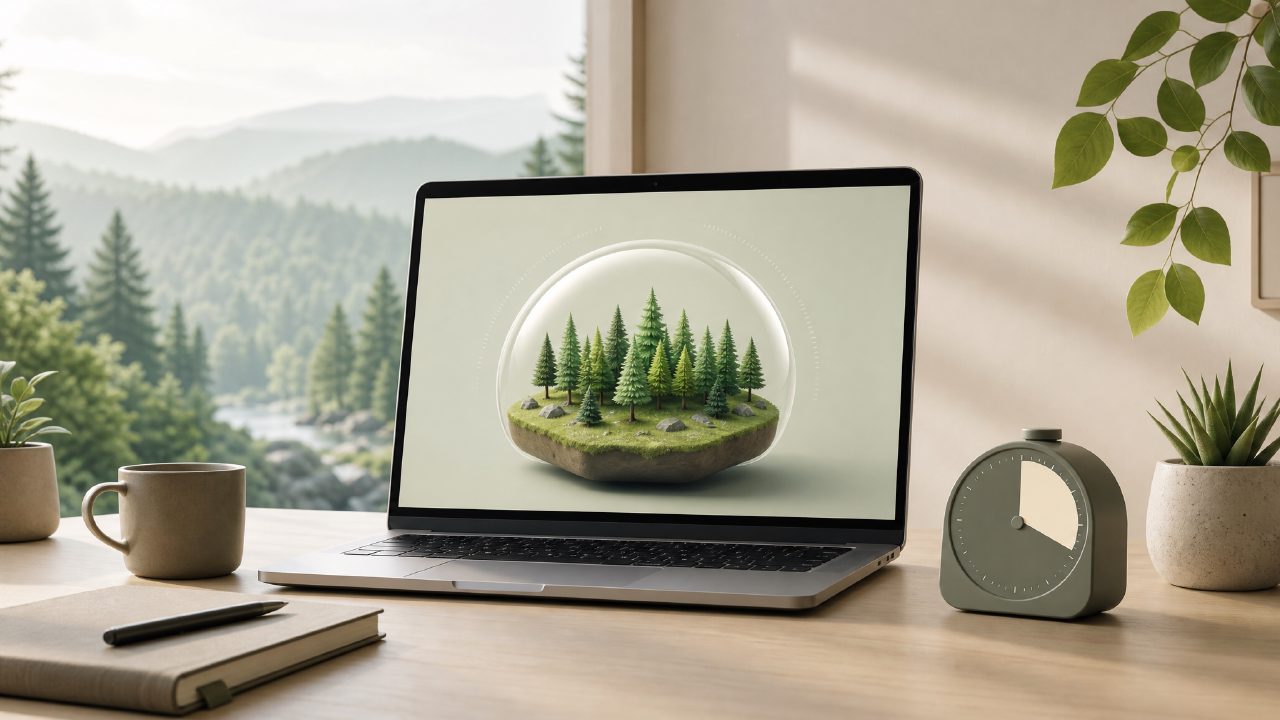
If you've been searching for a Forest app alternative free of charge in 2026, you've probably noticed the original Forest app still requires a one‑time purchase and the free version is quite limited. I was in that exact spot a few weeks ago — I wanted a simple timer to lock me into deep work, but didn't want to pay upfront or get tangled in subscription models. That’s when I stumbled onto Focusly, a Pomodoro‑style focus app that claims to be built specifically for deep work, study sessions, and daily rhythm building. I decided to test it side by side with Forest’s free tier for a week.
What Focusly does differently
The core idea is familiar: set a timer, work uninterrupted, then take a break. But Focusly leans harder into “deep work” than Forest does. You can plan multiple sessions in advance — for example, I stacked four 50‑minute blocks with 10‑minute breaks between them for a morning writing sprint. The timer screen is minimal: no animations, no growing trees, just a clean countdown and a “distraction log” button where you can tap if you lost focus. That small feature turned out to be surprisingly useful. During my third session, I clicked it twice and saw I’d been distracted by email notifications — it made me actually turn them off.
Another difference worth noting: Focusly doesn’t use gamification in the same way Forest does. There are no coins, no trees planted, no visual forest growing. That might sound like a downside, but for me it was actually a tradeoff I appreciated. Forest’s tree‑planting reward can sometimes feel like a side quest — I’d check the tree species instead of focusing on the work. Focusly keeps you facing the timer and the task, which fits the “deep work” label better.
Where it works well — and where it doesn’t
I tested Focusly during three different scenarios: a late‑night study session for a certification exam, a mid‑afternoon coding block, and a session where I needed to read dense research papers. For the study session, it was great — I set a 25‑minute Pomodoro, and the lack of visual distractions kept me in the material. For the coding block, I used a 90‑minute custom timer (no preset games, just manual input), and the distraction log confirmed I only broke focus once to check a Slack message. That felt real and honest.
But the reading session exposed a limitation. Focusly’s background noise options are minimal — just a few ambient sounds (rain, coffee shop, white noise). They work, but they’re not as rich as what you’d get from paid apps. More importantly, the app doesn’t track streaks or deep‑work statistics over days. If you’re someone who needs a progress graph to stay motivated, you might find Focusly lacking. I could see my total focused time for the current day, but not a weekly or monthly view. That felt incomplete after a few days.
Is Focusly the best free Pomodoro focus app for 2026?
If you’re looking specifically for a Forest app alternative free of charge, Focusly is a solid candidate — especially if you prioritize minimalism and session planning over visual rewards. It’s genuinely free (no ads that I encountered), and the distraction log feature gives it a practical edge for people who want to audit their focus lags rather than just grow digital trees.
That said, it’s not a drop‑in replacement if Forest’s gamification was your main driver. Focusly is more utilitarian, and its lack of long‑term tracking means you’ll probably need a separate system for habit reflection. I also noticed the timer’s notification sound can be a bit jarring — not a dealbreaker, but I had to adjust the volume to avoid startling myself during quiet sessions.
Would I keep using it? Probably yes — for single‑session deep work and study blocks, it does exactly what I need without asking for money or attention. If you’re willing to trade trees for a cleaner timer and a honest distraction log, Focusly is worth a week of testing.
Comments
Leave a Comment