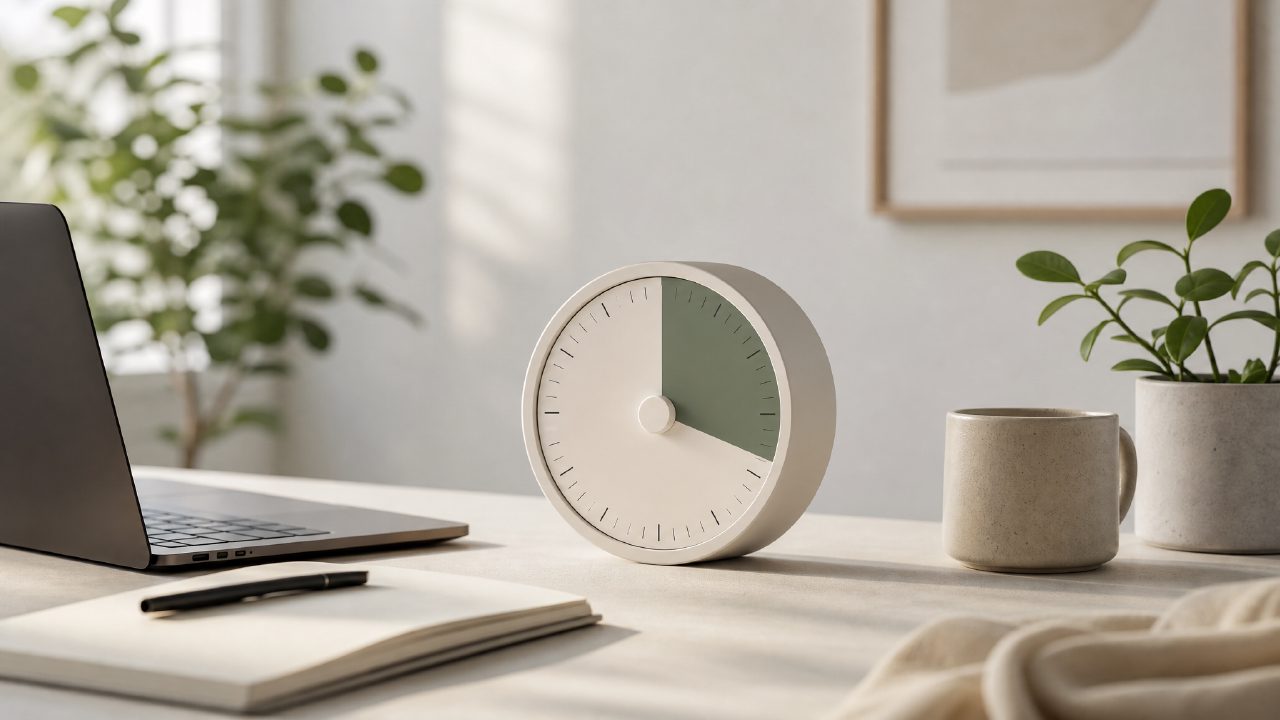
I was hopping between timers for weeks — none of them clicked. The built-in iOS timer felt too bare, and the fancier apps wanted a subscription before I could even test the focus music. So when I spotted Focusly, a free pomodoro timer pitched for deep work, I figured it was worth a few days of real use. Here’s what I actually checked for, and how it held up on each point.
My Deep Work Timer Checklist — How Focusly Scored
- Session planning without friction. The Focusly deep work timer lets you set custom work and break lengths, which is table stakes. What surprised me was how fast I could start a session — tap the button, pick a duration, go. No onboarding wizard, no account creation nag. Mild friction: the preset list includes only three options (25/5, 50/10, 90/20). If you want 45/15, you have to dig into settings each time. Not a dealbreaker, but repetitive.
- Distraction reduction that actually works. The app has a built-in distraction blocker for certain websites, and I tested it with Reddit and Twitter. It worked reliably — I couldn’t bypass it with a quick refresh. However, it only blocks the browser, not other apps. So if your distraction is Instagram or Slack on desktop, this won’t help. That’s a realistic limit for a free timer, but worth noting if you need full system control.
- Rhythm building over time. After three days, I could see my session history and total focus time. That visual streak helped me stay consistent. I’d say the app is better at building a daily habit than at deep single-task focus for long sessions — the ambient sounds (rain, café, white noise) are decent but only three choices. For a free app, it’s fine, but if you need variety, you’ll want external background audio.
- Price vs. value. It’s genuinely free — no ads, no time-limited trial for core features. That alone makes it competitive for the best free pomodoro app 2026 discussion. But “free” also means limited customization: no custom themes, no advanced statistics, no integration with task managers. If you want those, you’re looking at paid alternatives.
A Tradeoff That Stood Out
The Focusly timer leans heavily on simplicity. That’s its strength and its limitation. For someone who just wants a clean, no‑nonsense timer to start working, it’s almost perfect. But if you need granular controls — like varied break lengths per session or automatic switching between work/rest — it’s not there yet. I found myself wishing I could set longer breaks after every fourth session, but the app treats all breaks equally. That’s the kind of detail that matters if you use Pomodoro as a strict technique.
Is it the best pomodoro technique app 2026? I’m not sure. It’s probably one of the most accessible, especially for beginners. But serious users might outgrow it quickly. As a best free pomodoro timer 2026 contender, it’s solid — especially given that there’s no catch.
If you’re just trying to get into deep work without spending money or learning a complex tool, the Focusly deep work timer is worth a download. Just don’t expect it to solve distraction from every angle. It’s a timer — a good one — but still just a timer.
Comments
Leave a Comment