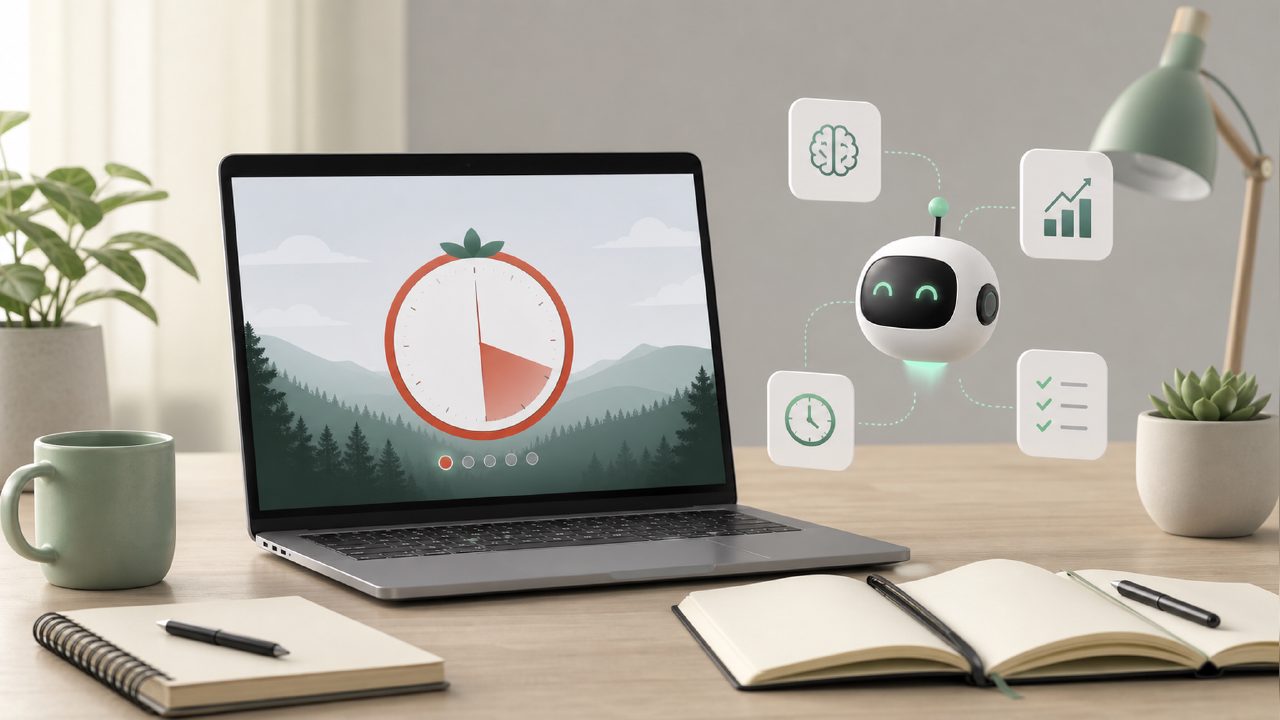
I’ve been bouncing between pomodoro apps for years, and every time a new one shows up I give it a shot. This time it was focusly, mainly because a few 2026 roundups were calling it the best free pomodoro app 2026. That’s a big claim, so I put it head‑to‑head against two other free timers I rely on: Forest (the tree‑planting classic) and Pomofocus (the no‑frills web version). Here’s what I found after about two weeks of switching between them for writing sessions, reading, and even some admin work.
Why focusly stood out at first
The first thing I noticed: focusly actually tries to plan your sessions instead of just timing them. You tell it what you’re working on and how long you have, and it suggests a sequence of focus blocks and breaks. That felt more useful than Forest’s “pick a tree and go” approach, especially on days when I didn’t know how to break down a messy task. The planning screen is clean—no ads, no clutter—and the AI suggestion (it calls it “smart session builder”) usually landed on a 50‑minute block with a 10‑minute break, which worked for me about 70% of the time.
But the AI isn’t always right. One afternoon I told it I had 90 minutes for research, and it proposed three 25‑minute focus blocks. That would have worked, but I’d rather have done two longer sprints. You can override the suggestion, but I wished the default was a bit more flexible. Still, for someone who doesn’t want to think about timing, the planning feature is a genuine help.
What I liked more than the competitors
Compared to Forest, focusly feels more like a tool and less like a game. Forest’s tree‑growing thing is fun, but after a while I just wanted a timer that didn’t punish me for checking a necessary notification. Focusly has a “light focus” mode that lets you pause without losing your streak, which is smarter for real‑world interruptions—like when a delivery rings or a coworker stops by. Pomofocus is equally simple, but it doesn’t offer any session planning, so you’re on your own to figure out how many rounds you need.
Another concrete observation: the distraction blocker in focusly works on desktop and mobile. I tested the phone version during a reading session and couldn’t swipe over to Twitter. Forest’s equivalent only kicks in when you start a timer, and Pomofocus has no blocking at all. That said, the blocking list was a bit aggressive by default—it blocked my notes app once. I had to whitelist it manually.
The tradeoff: customization vs. guided structure
Here’s where the head‑to‑head gets tricky. Focusly holds your hand more than Forest or Pomofocus, and that’s great if you’re new to time‑blocking or you’re recovering from a scattered week. But if you already have a rhythm—say, you know you work best in 40‑minute bursts with 5‑minute breaks—you’ll spend extra time tweaking the defaults. Forest lets you set any interval you want instantly, and Pomofocus has a one‑click custom timer. Focusly’s custom mode is there, but it’s hidden behind a menu. I missed the flexibility at first, so I’d rate it as a mild friction point.
Also, the free version of focusly is genuinely usable (that’s why it shows up in “best free pomodoro timer 2026” lists), but the “insights” tab—which shows your focus streaks and patterns—is locked behind a $3.99/month subscription. Forest gives you basic stats for free. Pomofocus tracks your total hours at no cost. That subscription is a tradeoff you should weigh if you like data.
Who should pick focusly over the others
After testing, I’d recommend focusly if you’re the kind of person who stares at a blank schedule and doesn’t know where to start. The guided session planning and the distraction blocker make it the best free pomodoro focus app 2026 for people who need structure, not just a timer. On the other hand, if you already use a system (or you love growing digital trees), you probably don’t need to switch. Forest is still better for habit gamification, and Pomofocus wins on pure speed and simplicity.
My final take: focusly isn’t perfect, and the AI suggestions could be smarter about respecting your preferred block length. But for a free app that tries to solve the “what should I do next” problem, it does more than most. If you’re testing the best free pomodoro timer 2026 options, this one deserves a serious week‑long try—just don’t expect it to read your mind every time.
Comments
Leave a Comment