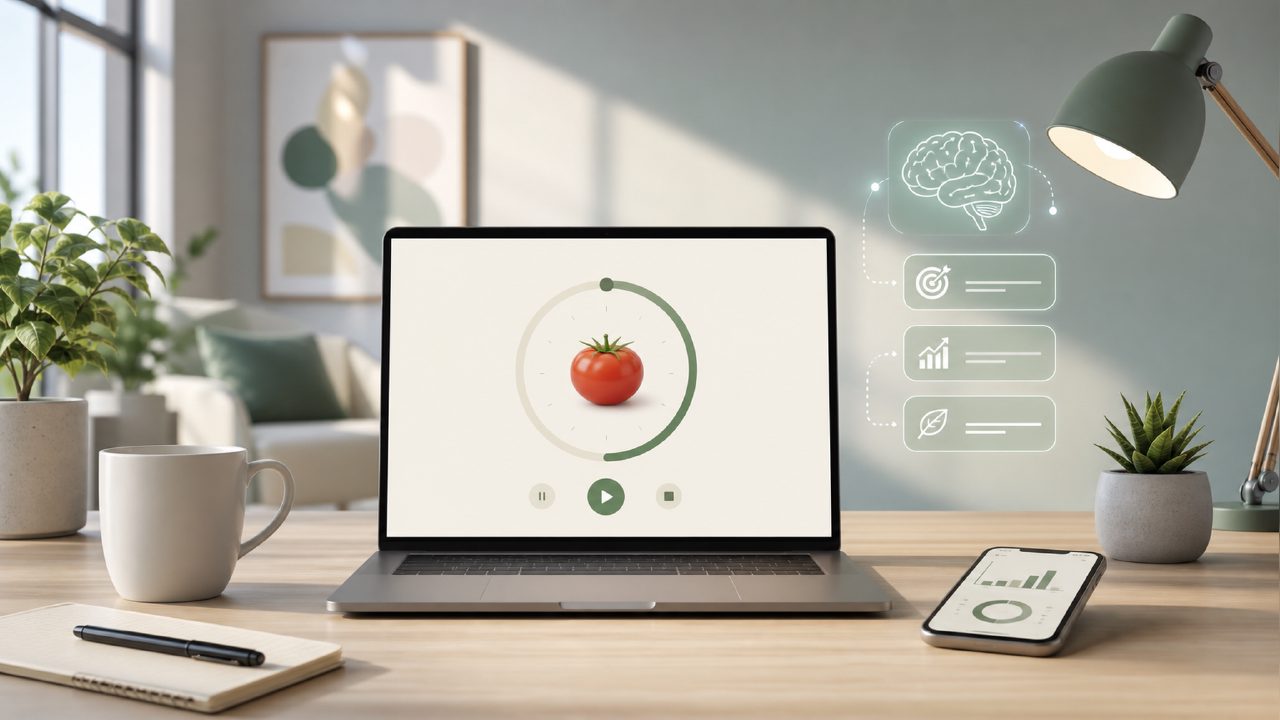
What makes Focusly different from other pomodoro timer apps?
After testing a handful of free timers, most feel the same: you start a 25-minute countdown, get a bell, and that’s it. Focusly tries to add a layer of intentionality. When you open it, you’re asked to set a session goal—like “finish first draft” or “review notes.” That small step actually changed how I used the timer. Instead of just hitting start, I had to decide what I was doing, which made me less likely to drift into email-checking.
The app also groups sessions into “deep work blocks” with built-in breaks that adjust based on how long you plan to focus. It’s not groundbreaking, but it feels more structured than a basic pomodoro app with focus sessions pulled from the app store.
Is there a truly free version of this pomodoro timer app?
Yes, and this is where a lot of people get stuck. The core timer and session planner are free. You can set up to four focused blocks per day without paying anything. For me, that’s enough for a solid work morning. But the moment you want to track history in detail, access the AI suggestions, or set unlimited sessions, you hit a paywall. It’s a pomodoro timer app free in the sense that you can try the basics, but the deeper features cost $4.99 a month. That’s not outrageous, but it’s worth knowing upfront if you hate subscription fatigue.
How does the AI focus assistant actually work?
Honestly, this was the part I was most skeptical about. The AI (which runs locally, by the way—no cloud nonsense) analyzes your past session times and gives short tips like “you tend to lose focus after 40 minutes—try a shorter block today.” It’s helpful, but not mind-blowing. I’ve seen similar behavior in a few ai pomodoro focus app free tools, though most of those are ad-ridden. Focusly’s AI is clean and unobtrusive, but I wouldn’t call it a game-changer. It’s a nice extra, not the main reason to switch.
One specific thing I noticed: the AI once told me to “take a longer break because you worked three blocks in a row.” That felt genuinely useful. But another time it suggested a focus duration that was 10 minutes shorter than what I’d planned, and I ignored it. So take the suggestions with a grain of salt.
Can Focusly really reduce distractions?
It helps, but it’s not magic. The app has a “focus mode” that goes fullscreen and hides phone notifications if you grant permissions. I found that more effective than just putting my phone on silent, because the visual commitment of seeing a full-screen timer made me less likely to pick it up. However, the notification sounds in the free version are very soft—I missed the break alarm twice because I had headphones on. That’s a mild friction that might annoy people who rely on audio cues.
What are the biggest tradeoffs with Focusly?
The main one is customization. If you like tweaking pomodoro lengths, break ratios, or sound options, Focusly keeps things simple—maybe too simple. You can’t set custom interval lengths for each block; it’s either 25/5 or 50/10. That works for most people, but if you’re used to a flexible timer, you might feel boxed in. Also, the free version doesn’t let you label sessions beyond the initial goal, so after a week you can’t easily tell which “deep work” block was for writing versus coding.
On the flip side, if you want a free deep work timer 2026 that looks modern and doesn’t spam you with ads, Focusly is a solid contender for now. The design is clean, and the lack of clutter helps you stay in the zone.
Who should actually use this pomodoro app with focus sessions?
I’d recommend it to students and solo workers who need a push to plan their day, not just a stopwatch. If you already have a good work rhythm and just need a beeper, a basic timer app will do. But if you find yourself drifting between tasks without a clear goal for each pomodoro, Focusly’s session planner and occasional AI nudges can tighten that loop.
It’s not perfect—the mild friction of the quiet alarm and the limited free-tier history might bother power users. But for a straightforward pomodoro app with focus sessions that doesn’t overpromise, Focusly earns a realistic “worth a download” from me. Just don’t expect the AI to turn you into a productivity machine overnight.
Comments
Leave a Comment