You Know That Feeling
You sit down at 10 AM, coffee in hand, ready to crush that report. By 10:07, you’re checking Instagram. At 10:12, you remember you need to reply to a Slack message. At 10:18, you’re deep in a rabbit hole about why your favorite coffee shop changed their oat milk brand. Sound familiar? You’re not lazy. You’re just fighting a brain that was never designed to stare at a screen for four hours straight. And the usual advice—“just focus harder”—is about as useful as telling someone with hay fever to “just stop sneezing.”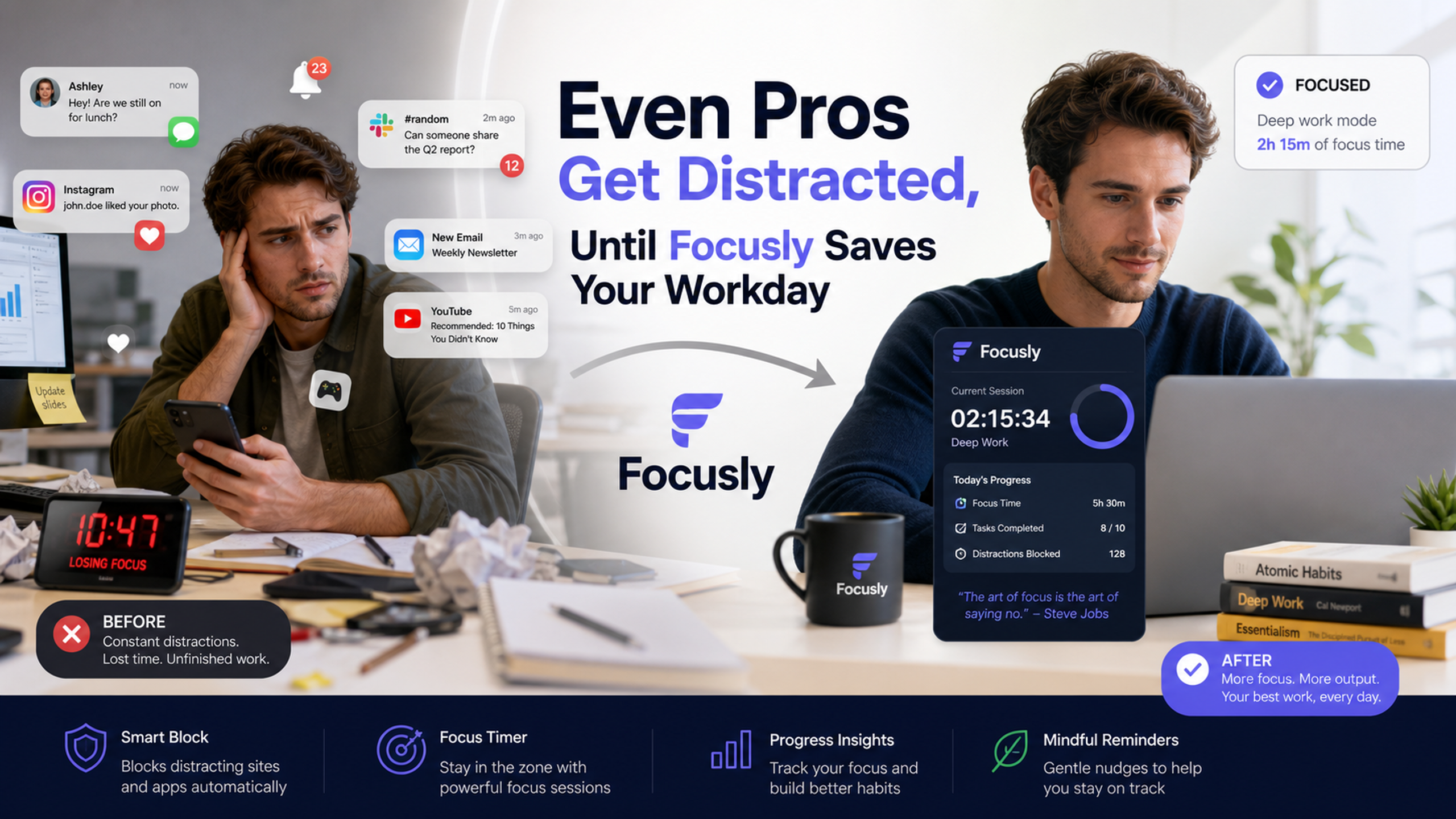
Why “Willpower” Won’t Save You
I’ve tried every trick in the book. Noise-canceling headphones. Website blockers. Even that ridiculous “write down your distractions on a sticky note” method. They work for about 45 minutes, then the phone buzzes and I’m gone again. The problem isn’t motivation—it’s structure. A Pomodoro timer is supposed to help, but most apps are either too complicated (30 settings before you start) or too passive (just a timer, no accountability). That’s where Focusly Deep Work comes in, and honestly, it’s the first one that didn’t make me roll my eyes after day three.
What Actually Works (And What Doesn’t)
Focusly isn’t reinventing the wheel. It’s still a Pomodoro timer at its core: work in focused intervals, take short breaks, repeat. But the difference is in the friction. You plan your sessions ahead of time—like blocking out “3:00–3:25: write intro paragraph” instead of just hitting start and hoping for the best. That planning step forces you to be honest about what you’re actually going to do. And during the session, the app keeps distractions minimized (no flashy animations, no social feed, just a clean timer and a progress bar).
The real win, though, is how it handles the break. Most timers go *ding* and then you’re left staring at your phone, which immediately pulls you into Twitter. Focusly gives you a 5-second breather with a simple reminder: “Stretch. Grab water. Don’t open TikTok.” It’s a small thing, but it actually saves me from that infinite scroll spiral.
The Tradeoffs You Should Know
I’ll be real: Focusly won’t fix everything. If your boss messages you mid-session with an urgent request, the app can’t help you. And if you’re someone who hates rigid scheduling (some people thrive on spontaneous chaos), the planning step might feel like homework. Also, the free version is fine for basic use, but the full features (like detailed session history and custom interval lengths) are behind a subscription. For me, the $3–4/month is worth it because I’ve wasted way more than that on coffee runs from procrastination. But if you’re a student on a tight budget, the free tier might feel a little bare.
Another thing: Focusly assumes you’re working alone. If you’re in a collaborative environment where you need to jump between tasks constantly, the fixed intervals can feel restrictive. I use it for writing and coding, not for meetings or ad-hoc troubleshooting.
Who Should Try It
If you’re the kind of person who has three browser tabs open “for research” but actually you’ve been watching Netflix on the fourth tab, give Focusly a honest week. Use it for your most dreaded daily task—the one you keep pushing to 4 PM. Set a 25-minute session, close everything else, and just start. The planning step alone forces you to decide what the next 25 minutes are about. That’s half the battle.
And if after a week you don’t feel any different? That’s okay. Maybe you need a completely different approach. But for me, it’s the difference between a day that feels like a blur and a day where I actually finish something before lunch. Even pros get distracted—the trick is to stop pretending you can out-willpower your own brain. Focusly just gives you a better container for the time you’ve already committed.
Comments
Leave a Comment