You know that feeling. You sit down with your coffee, open the project you’ve been procrastinating on, and tell yourself, “This time I’ll actually focus.” Ten minutes later, you’re on Twitter, then Slack, then checking your email for the third time. You’re not lazy. You’re a professional. But distraction doesn’t care about your job title.
I’ve been there more times than I want to admit. So when I bumped into Focusly Deep Work, a Pomodoro timer app pitched specifically for deep work and study sessions, I had to put it to the test. No hype, just real use. Here’s what I found.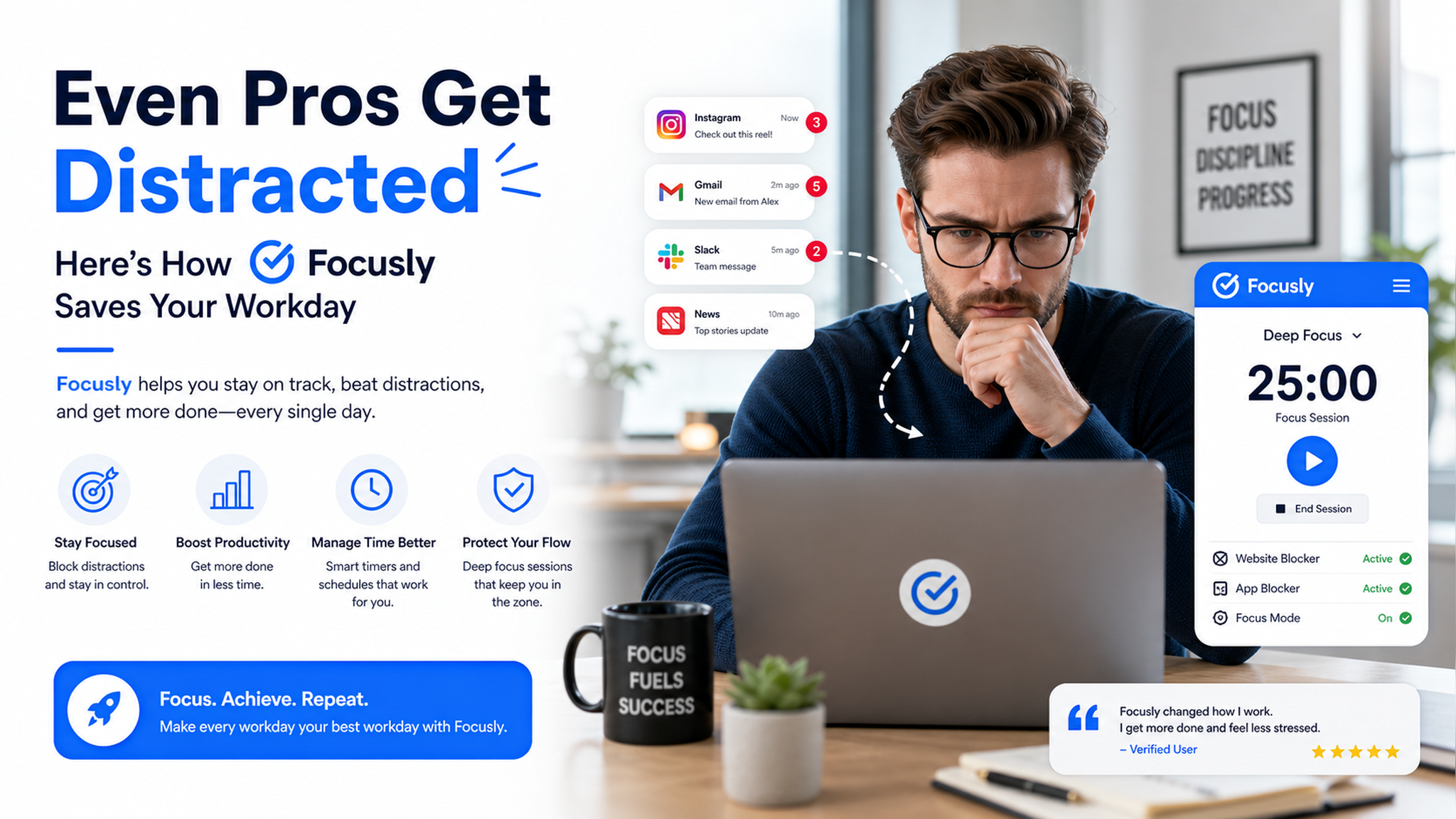
How Focusly actually reels you back in
The core idea is simple — Pomodoro with extra guardrails. You set a session (say, 50 minutes of focus + 10 minutes break), and the app keeps you locked in. What surprised me was how well it handles the in-between moments. Most timers just beep and leave you to decide what to do next. Focusly forces a lightweight check-in: “What’s your next task?” That tiny friction kills the “uh, I’ll rest a little longer” trap.
I used it for a late-night writing session (not ideal, but real life happens). The ambient noise option — rain, coffee shop murmur, forest — actually helped drown out my roommate’s TV. It’s not mind-blowing audio, but it’s enough to reframe your headspace. For a free-ish app, that’s decent.
The moments when Focusly works best
Let me give you two realistic scenarios:
- You’re a student cramming for midterms. You have three chapters to review and your phone keeps buzzing. Focusly’s “deep focus” mode blocks notifications entirely if you give it permission. You can even set session goals — like “finish Chapter 5 before the break.” That kind of closed-loop planning helps you avoid the “I’ll just check one message” spiral.
- You’re a remote worker with back-to-back calls. You have 30 minutes between meetings to actually write that report. Focusly’s quick-start (tap and go) is a lifesaver. No setup, no login fuss. You start the timer, the screen dims slightly, and your brain gets the signal: we’re working now.
The tradeoffs you should know before downloading
Alright, I won’t pretend it’s perfect. The free version works fine for basic Pomodoro, but the analytics — session history, focus streaks, distraction logs — are locked behind a subscription. That’s a bummer if you’re a stats nerd who wants to track your productivity patterns over weeks. Also, the app relies on your willingness to actually follow the timer. If you’re the type who constantly extends sessions (“just five more minutes…”) without logging the extra time, Focusly can’t magic you into discipline. It’s a tool, not a brain implant.
Compared to alternatives like Forest (gamified tree planting) or TickTick (built-in to-do list), Focusly feels more utilitarian. It prioritizes focus rhythm over gimmicks. If you want stickers or social competition, look elsewhere. But if you just want a clean, no-nonsense timer that gently pushes you back on track, Focusly is worth your download.
So, does Focusly save your workday? I’d say yes — if you pair it with honest intention. It won’t fix a broken schedule or burnout. But it will catch you when you drift, and that, for me, has been worth the install.
Comments
Leave a Comment