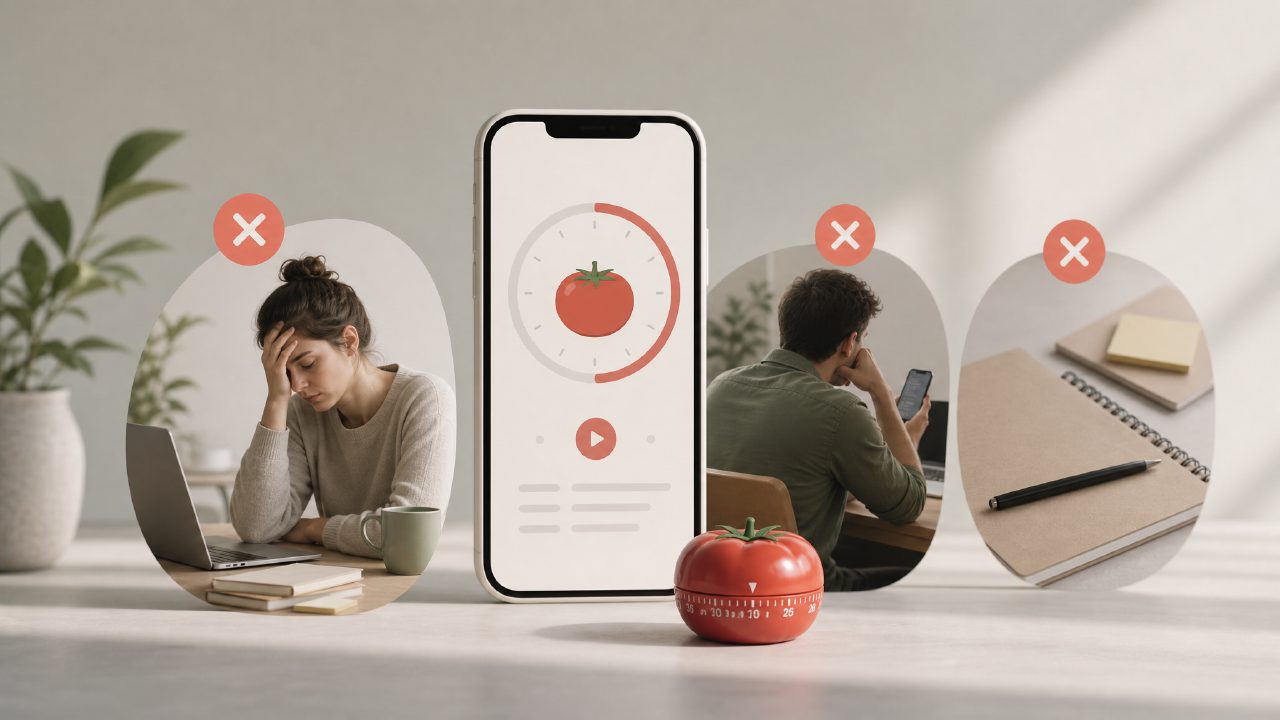
The Common Mistakes People Make With the Focusly Pomodoro App
I’ve been testing the focusly pomodoro app for about three weeks now, and after the first few days I started noticing a pattern. Most of the complaints I saw online weren’t really about bugs or missing features—they were about how people were using it. The same mistakes kept showing up. So instead of writing yet another “here’s what it does” overview, I wanted to run through the pitfalls I’ve seen (and stumbled into myself). If you’re thinking about picking up Focusly, these are the gotchas you should watch for.
Mistake #1: Letting the AI Run the Show Too Soon
Focusly markets itself with an AI layer—it learns from your work patterns and suggests session lengths and break intervals. On paper, that sounds great. In practice, it can backfire if you trust it immediately. The first week I used Focusly, I kept accepting its suggested adjustments without question. After a few days I noticed I was consistently being given shorter work blocks in the afternoon, even though I actually focus better later in the day. The AI was picking up on lower productivity in the mornings and overcorrecting.
My advice: treat the AI suggestions as loose guidelines, not commands. You have to override them often at first. If you want an ai pomodoro focus app free that actually tailors to your rhythm, you still need to train it by manually rejecting bad recommendations for maybe a week. Otherwise you’ll end up with a schedule that feels reactive and off.
Mistake #2: Ignoring the Break Design
Most people come to a pomodoro app to manage work time, but the break intervals matter just as much. Focusly has this feature called “reset breaks” where it suggests mini-activities—stretching, breathing, looking away from the screen. I ignored them for the first few days. Then I started using them, and my afternoon slump got noticeably worse. Why? Because the app’s default break suggestions are too passive. A two-minute screen stare isn’t a real reset.
Here’s the tradeoff: the break customization is buried in the settings, and it’s easy to miss. You can swap in your own short tasks, like a quick walk or reading a page of a book. But if you don’t tweak that, Focusly’s breaks feel more like browser tabs waiting to be opened than actual recovery time. It’s a small thing, but it makes a difference in whether the session actually helps you sustain focus.
Mistake #3: Expecting It to Block Everything
Focusly has a distraction minder—it tracks which apps you switch to and gently nudges you back on track. But it’s not a hard blocker. It won’t stop you from opening Instagram or Slack; it just logs the interruption and buzzes your wrist. That’s fine if you’re already motivated, but if you’re hoping for a strict lockdown, you’ll be disappointed.
I tried pairing Focusly with a system-level website blocker, and that worked better. On its own, the app relies on your willingness to obey the nudges. That’s not necessarily a flaw, but it’s a limitation that people don’t always realize until they’ve already paid for a subscription. The free tier gives you basic session tracking and the minder, but the deeper analytics about interruption patterns are locked. So if you’re looking for the best free pomodoro app 2026 with hard-core distraction blocking, Focusly’s free version might feel a bit lightweight.
Mistake #4: Overplanning Sessions vs. Actually Working
Focusly lets you plan your entire day’s focus sessions in advance. I spent an entire lunch break building a perfect schedule: four deep work blocks, three short breaks, one long break, all color-coded. Then I followed it for two days. By day three I was already skipping sessions because the plan didn’t match my energy.
I’m not entirely sure the advanced planning feature saves time. For me, it added a layer of friction before the real work started. The app’s interface is clean, but the session planning screen has enough options (tags, custom durations, estimated wrap-up times) that it can become a procrastination tool in itself. I found myself tweaking the plan more than executing it.
If you’re evaluating the best pomodoro technique app 2026, Focusly is a strong contender, but only if you can resist over-customizing from day one. Start with the default pomodoro (25/5), use the AI without overthinking it, and only dive into the advanced planning after you’ve built a habit. Otherwise you might burn out on planning before you’ve done a single productive session.
What I’m Still Unsure About
There’s one thing I can’t quite make up my mind on: whether the focusly app’s tracking actually helps long-term. It shows you session streaks, focus hours per week, and distraction counts. That’s motivating for a week or two. But after that, the numbers can feel more like a score to beat than a tool for understanding your work patterns. I caught myself rushing through sessions to keep a streak alive, which kind of defeats the purpose of deep work. The app doesn’t warn you about that risk.
Also, the AI adjustments are mostly opaque—you can’t see why it recommended a 40-minute block instead of 25. A few times it suggested a session during my typical low-energy window, and I couldn’t tell if it was learning or just glitching. I switched to manual mode permanently after the second week. That might change with more data, but I’m not convinced yet.
Bottom Line
Focusly is a solid pomodoro timer with some genuinely useful extras, especially if you value the light AI guidance and the distraction minder. But the trap is expecting it to be more than that. It won’t force you to work. It won’t plan your perfect day. And if you’re on the free tier, some of the best features (historical insights, custom break suggestions) are hidden behind the subscription.
If you’re coming from a basic timer and want a bit more structure without losing control, Focusly is worth a try. Just go slow. Don’t tweak everything at once. And remember: the app is a helper, not a manager. The actual deep work still has to come from you.
Comments
Leave a Comment